
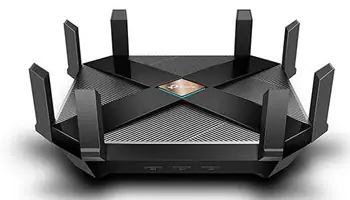
In this three-part series, I will explain how I set up my new router to strike a balance between security and performance in my particular circumstances. While individual circumstances and settings may differ depending on the manufacturer and router, the basic principles should remain the same.
USB / NAS
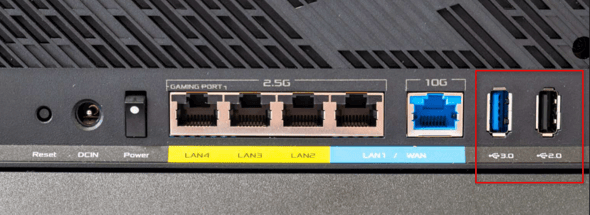
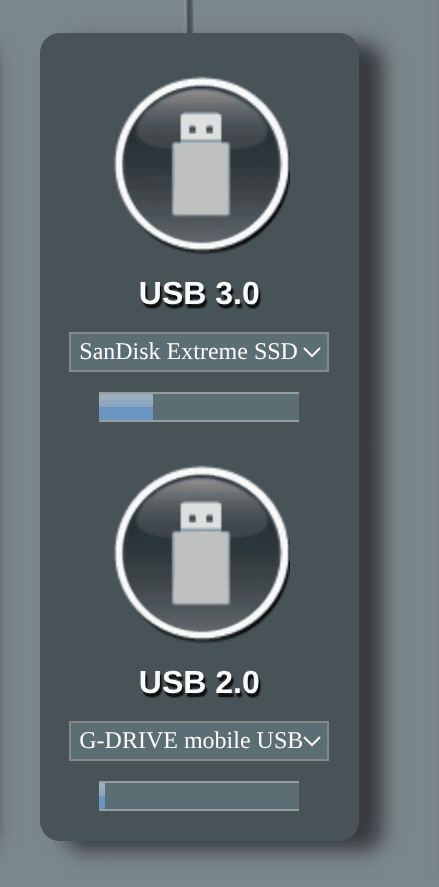
Many routers have one or two USB ports on the back. These ports often go unused because people assume they are only for firmware upgrades or powering USB accessories. However, a solid-state drive (SSD) or external hard drive (HDD) can be turned into a basic network-attached storage (NAS) device by connecting it directly to these ports. This is a cost-effective alternative to dedicated NAS hardware. You can then store and share files, stream media, or perform backups across your home network. Having two ports, I have connected both an SSD and an HDD.
VPN
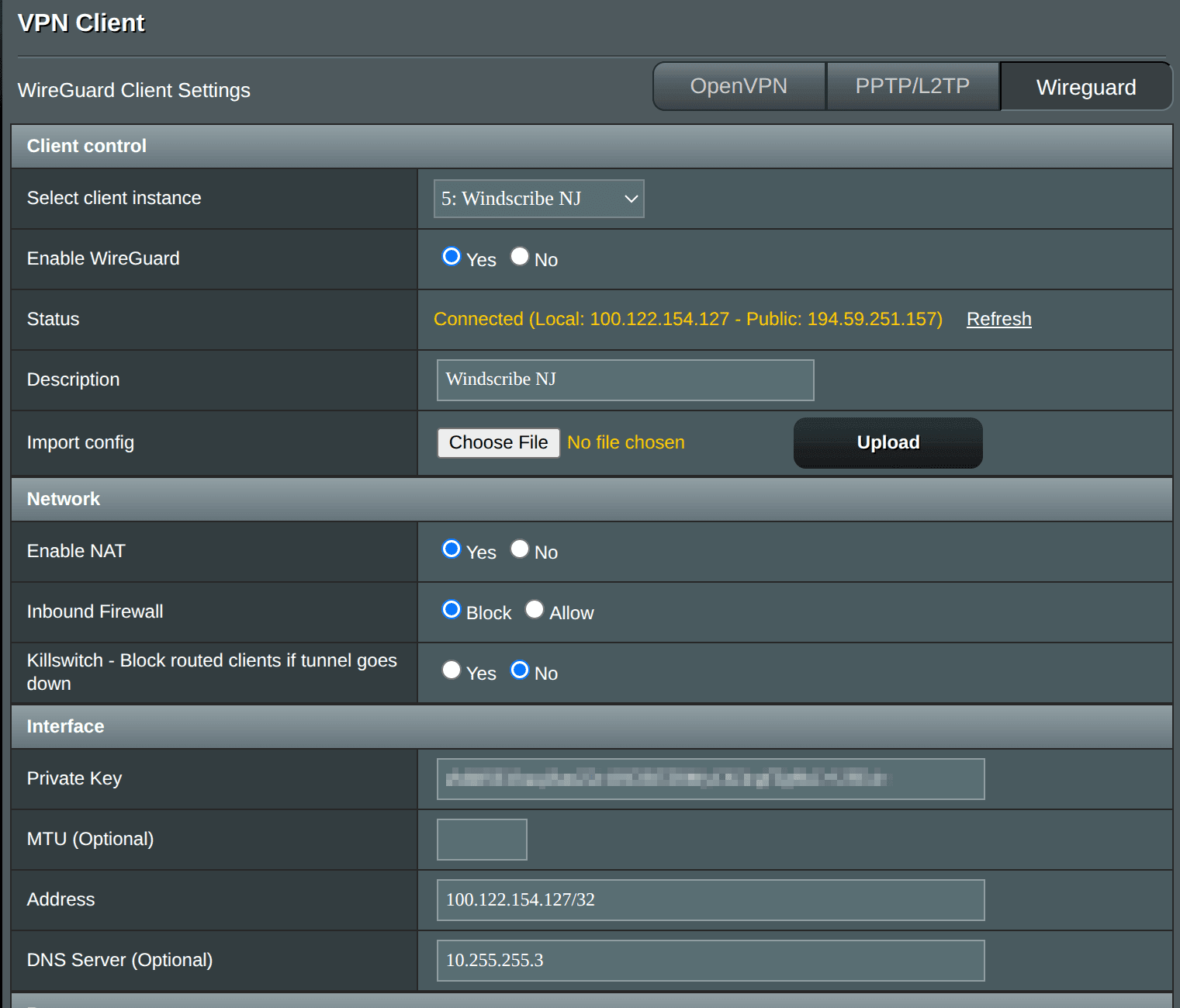
A Virtual Private Network (VPN) creates an encrypted connection between a client and a server. There are three main reasons to use a VPN. The first is to bypass a firewall. The second is to change your geo-location. The third is to increase privacy by encrypting internet traffic and masking IP addresses. I wrote a four-part series on adding a VPN to a home network. You can read it at the following links:
- Adding a VPN to a home network – Part 1
- Adding a VPN to a home network – Part 2
- Adding a VPN to a home network – Part 3
- Adding a VPN to a home network – Part 4
DHCP
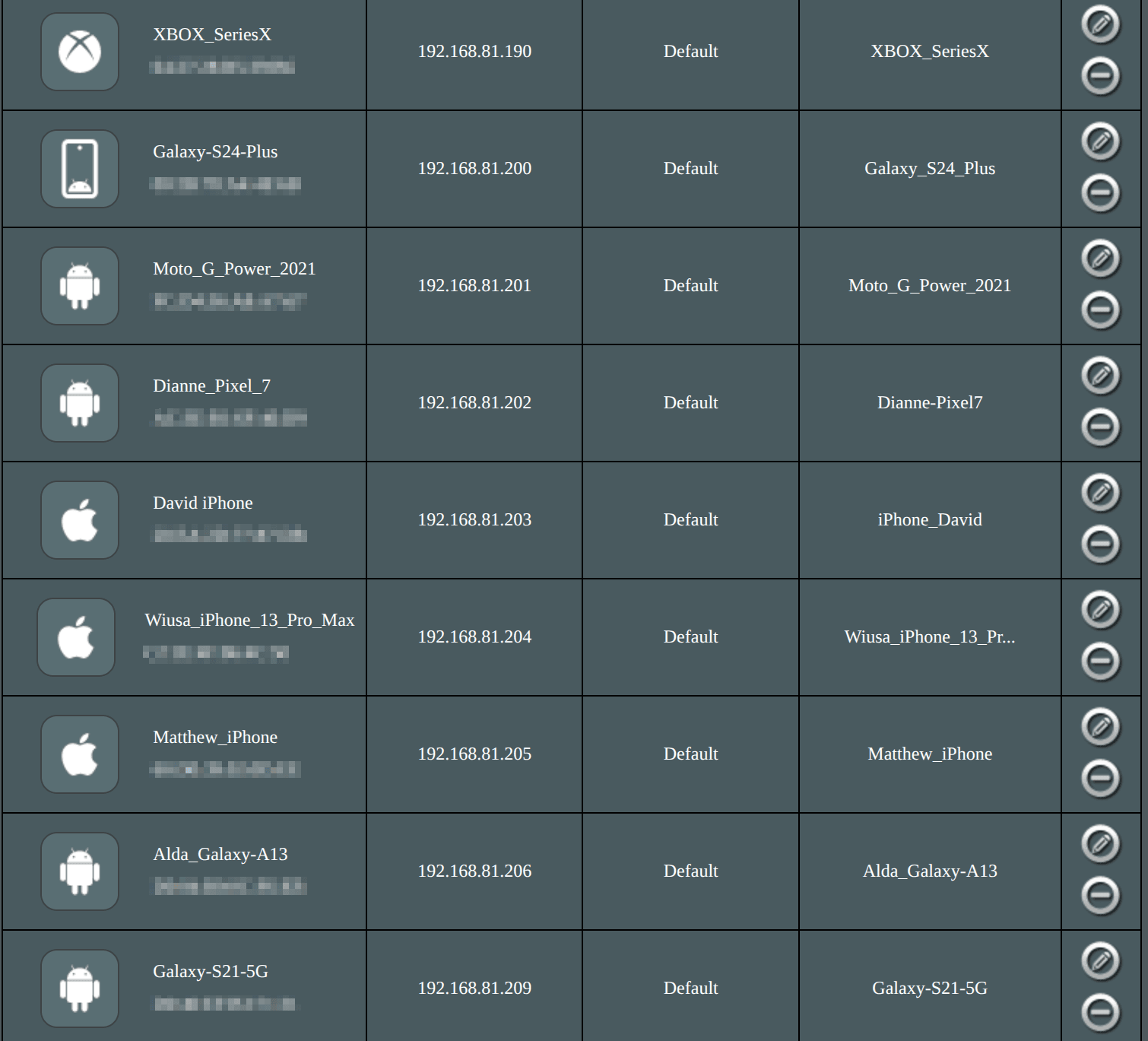
The Dynamic Host Configuration Protocol (DHCP) automatically assigns IP addresses, subnet masks, default gateways, and Domain Name System (DNS) server addresses to devices connecting to the local network. I assign static addresses to all the devices on my network except for those belonging to house guests. Since these addresses don’t change, rules and scripts can be written that refer to the devices. This allows for network sharing and avoids Window’s network name resolution quirks.
Wireless Channel Selection
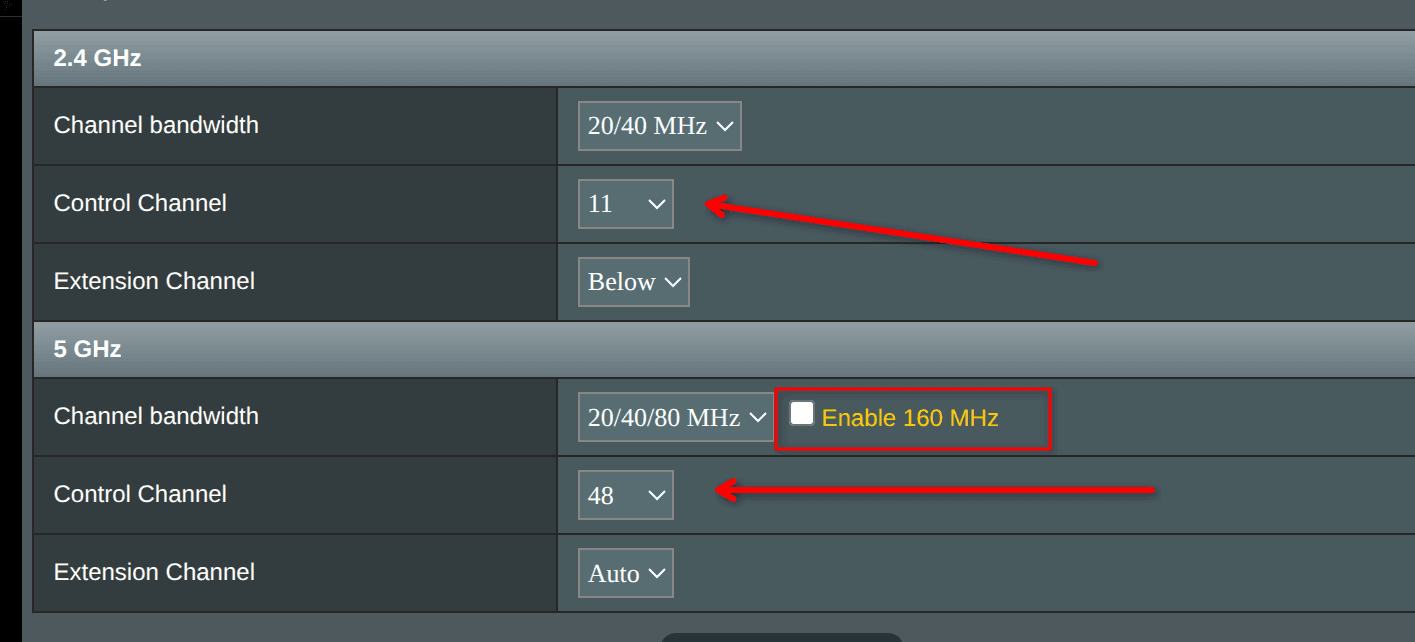
To optimize performance, I used a WiFi analyzer app to identify the least congested channels in my area and manually set them in my router’s interface.
For 2.4 GHz networks, select channels 1, 6, or 11 to avoid overlapping interference, as these are the only non-overlapping channels available in North America. I selected channel 11.
For 5 GHz networks, channels 36–48 generally offer better performance for indoor home use thanks to lower latency and better wall penetration. Meanwhile, channels 149–165 provide higher power output and tend to be less congested in residential areas. These channels are also preferable for outdoor use or point-to-point links. Avoid using Dynamic Frequency Selection (DFS) channels (52–144) in residential settings to prevent automatic channel switches triggered by radar detection. I selected channel 48.
I also did not enable 160 MHz, as not many of my devices would benefit from this.
WIFI Protocol & Password
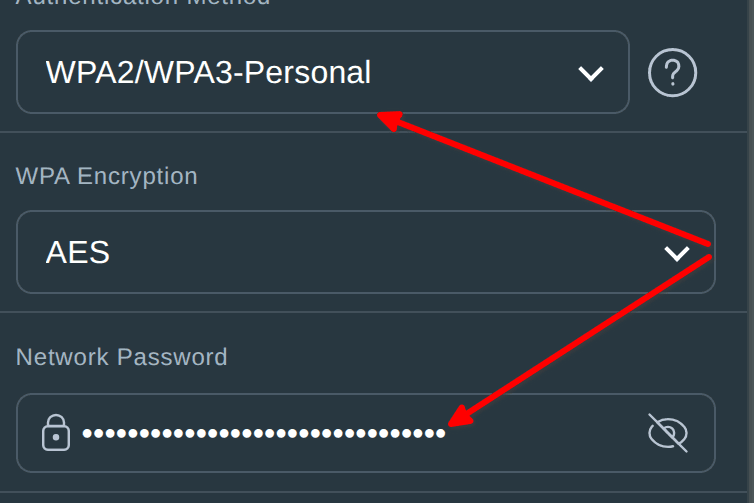
Wired Equivalent Privacy (WEP) is an outdated protocol that is vulnerable to modern attacks and should be avoided. In 2003, WiFi Protected Access (WPA) was introduced as a replacement for WEP. WPA introduced updates, including the Temporal Key Integrity Protocol (TKIP). A few years later, WPA2 was released with improvements, the most significant being the upgraded AES-CCMP encryption. More recently, WPA3 was released with further security enhancements. I use the WPA3-Personal protocol; however, as many devices do not support WPA3, I also allow the WPA2 protocol.
To prevent wireless hackers, I use a strong yet easy-to-enter 32-character password that includes upper and lower letters, numbers, and symbols.
Bottom Line
This is the second part of a three-part series that discusses the decisions I made when setting up my new home network router. Be sure to view parts one and three.
- How To Set Up Router – The Right Way – Part 1
- How To Set Up Router – The Right Way – Part 2 ⬅ You are here
- How To Set Up Router – The Right Way – Part 3
Please feel free to ask in the comments why I did something a certain way. Alternatively, let me know how I could improve the setup.
—
