

This is for your computer, and not you. 🙂 You can use a Chrome extension to easily enable or disable your system from powering down. It’s called “Caffeine – Keep Awake”.
If you were doing something on your computer and didn’t want it interrupted by your system powering down, and you didn’t want to take all those extra clicks to get to the power settings, then this is for you.
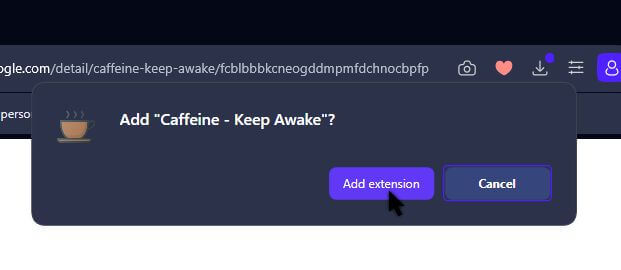
I click on “Add To Opera”.

Then “Add extension”.
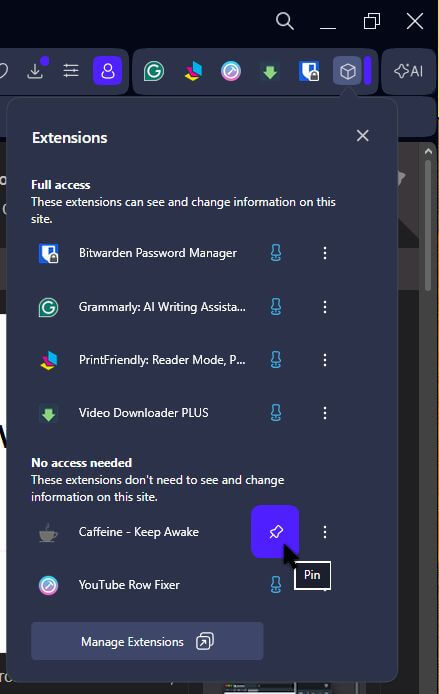
Then I click on the extension icon, which looks like a cube, and then “Pin” it so it always shows in the extension bar.
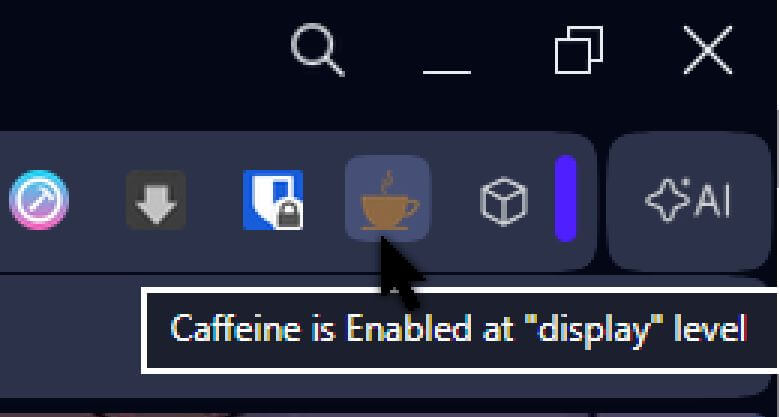
Big shocker, the icon is a coffee cup. There doesn’t seem to be any interface. Click it once to turn it on. It turns brown like coffee. Click it again to turn it off. It’s as simple as that. Now the question is, does it work?
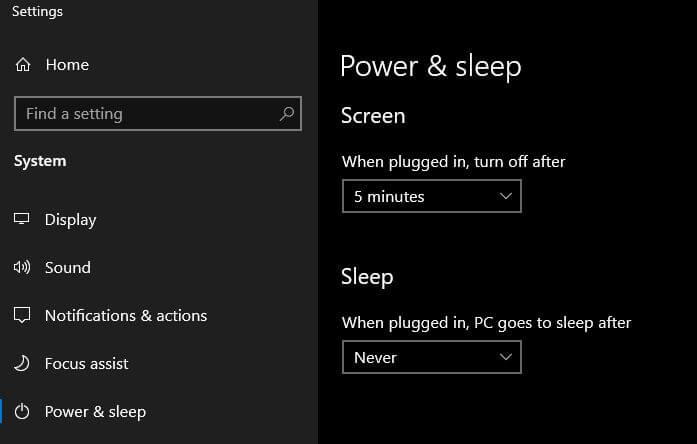
In the search bar, I typed “Power & sleep settings”. I usually have sleep disabled. My monitor is set to power down after “5 minutes”. Usually I have it set to 15, but I changed it for this test.
So now the test. I click on the extension icon to activate it. Now no more touching the mouse or keyboard for 10 minutes. I waited, and it worked; my monitor did not power off. I then disabled it and waited again, and after 5 minutes my monitor powered down.
The Firefox one seems to operate a bit differently. Click the caffeine icon and in the window that opens click the “eye symbol/switch”.
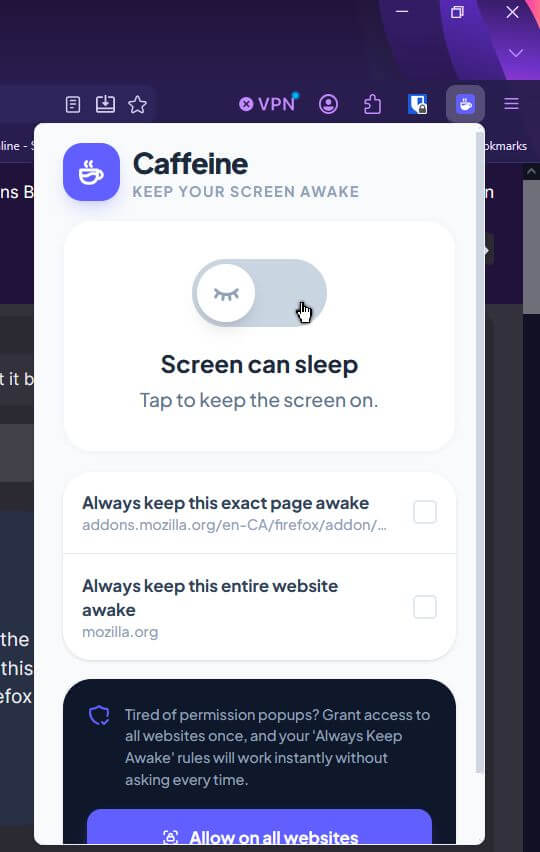
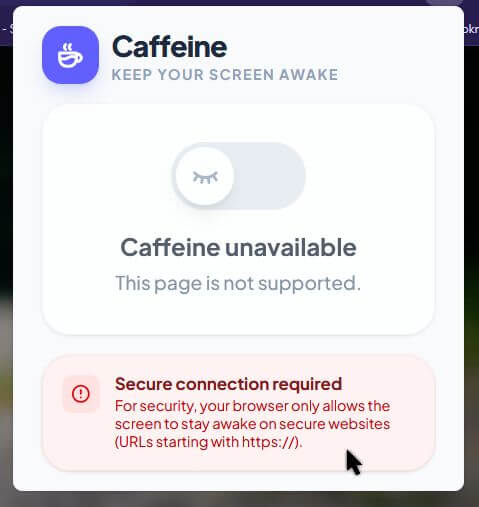
Also, you have to be on a secure website before it will work. Otherwise, you will get an error message.
In Chrome, it works the same way as it does in Opera.
So, would you ever use something like this? Or do you? Let us know in the comments.
—
