

Recently I’ve been having trouble downloading more than half a dozen files from Google Photos, with the message ‘Preparing to download xx items…‘ remaining on the screen for ages. Eventually, a message pops up telling me that I’m trying to download too many items and recommends that I use Google Takeout – a new pizza delivery service from Google, but easy on the pepperoni, please – which exec comes up with these silly names?
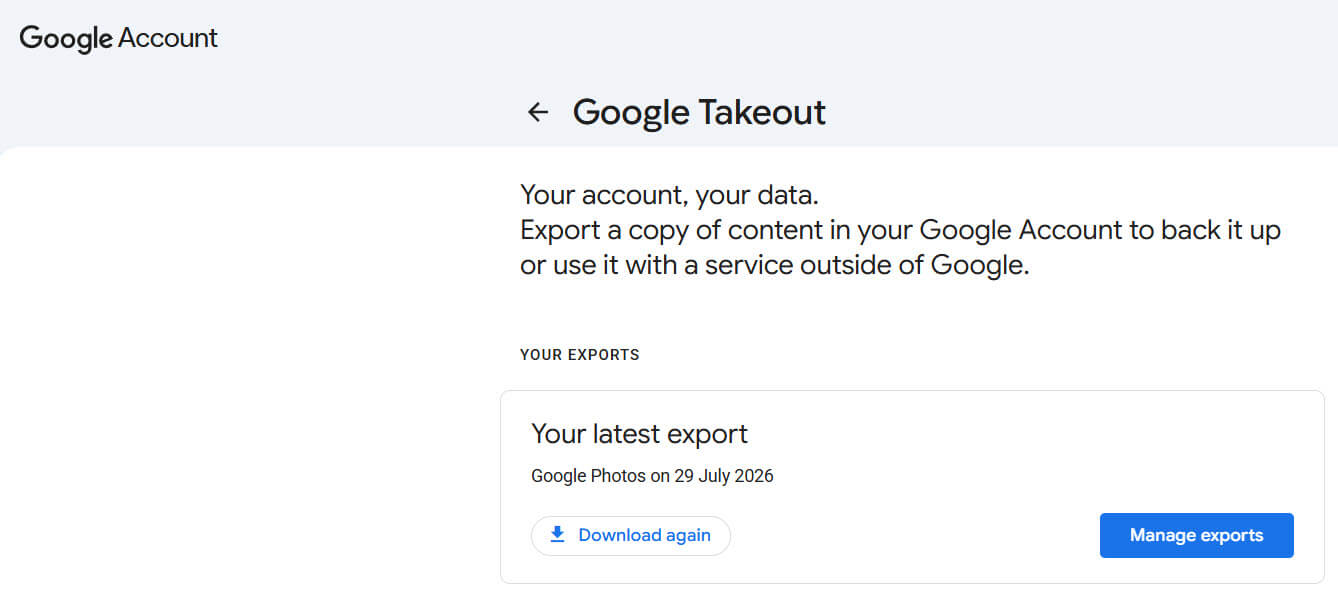
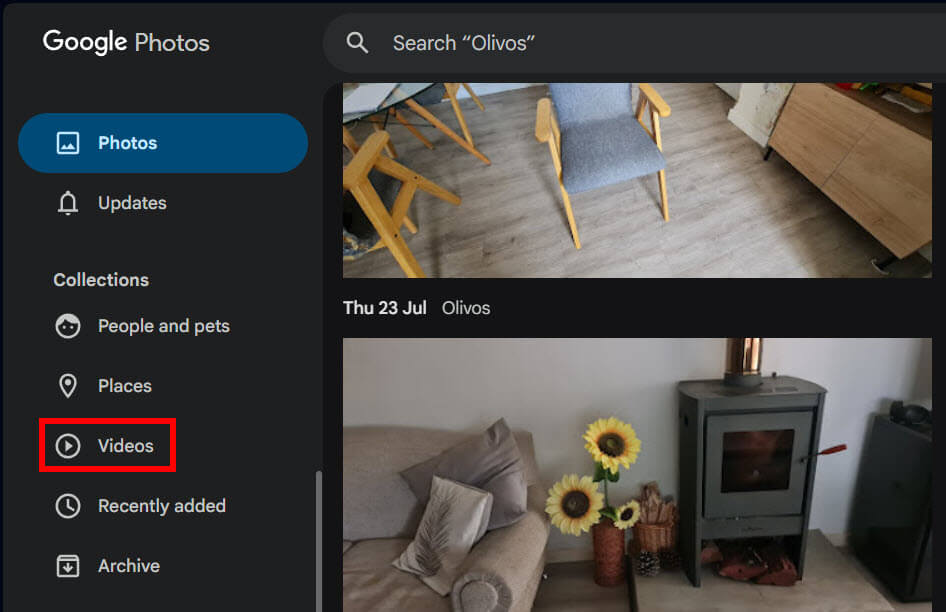
I have no idea why this change has occurred, with the only suggestions being that the servers are overloaded and/or the system is crunching away with AI and thus too busy for menial day-to-day stuff. I originally only wanted a few videos that I could edit into one, so why the drama? But at least Google Photos lets you select ALL videos without needing to filter, unlike OneDrive, which doesn’t handle file type filtering at all well, but maybe that could be the subject for a separate rant.
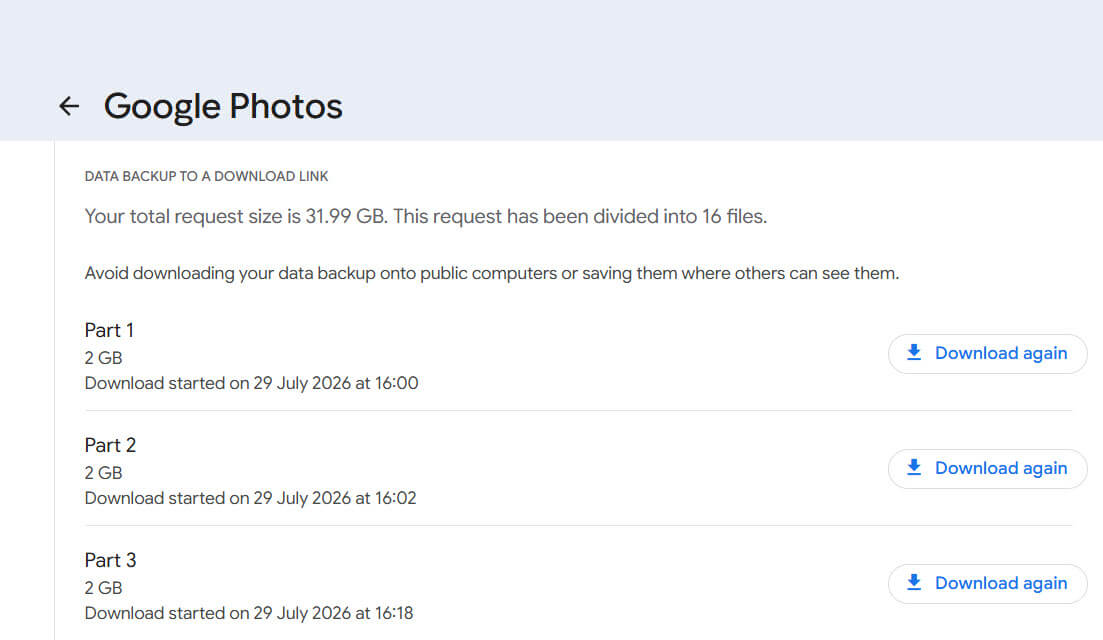
Anyway, the total download of all my photos and videos is 32GB; the download is split into 16 parts, which I’ll download individually.
So, if you receive a message telling you that you’re trying to download too many files from Google Photos, try Google Takeout – it’s rather tasty!
—
