

Who would have thought that your television set would spy on you? I use that old term ‘television set’ intentionally because back in ye olden days, they really were just dumb boxes of cathode ray tubes and capacitors. You also had an alien-looking aerial, a handful of blurry channels, and that was it.
But with the advent of so-called smart devices, everything changed, with the leader of the pack being the smartphone. We wanted devices that could do almost everything for us, but with that comes a price, and that price is privacy. TV manufacturer LG is currently in a legal battle over allegations that its smart TVs are spying on its users. In fact, a popular YouTube channel, Gamers Nexus, iterates the spying claims, but LG has hit back, denying the claims and stating that it does not collect or record ‘ambient conversations’.
How To Turn Off ACR – Automatic Content Recognition – On Your TV
I haven’t watched all of Gamers Nexus’ video for TLDR reasons, but I get the gist. However, I have watched snippets from similar videos and read numerous reports of TVs harvesting data through a smart TV feature called Automatic Content Recognition (ACR). This is the generic name, but it may be labelled differently across the many TV models and manufacturers. It’s also worth pointing out that ACR is generally off by default, but that is not always the case. Additionally, when you first fire up a smart TV, you are usually taken through a series of terms and conditions (TOS), many of which you need to agree to before proceeding, and some of those terms will be intentionally vague and often difficult to understand. All you really want to do is watch TV, right? Precisely, so you rush through those scary TOSs, never really understanding what you’re actually agreeing to. Furthermore, you may wish to change a privacy toggle later on, like we are doing today, but often those settings are buried in the system and hard to find. I’m using my own TVs as examples, so others will have different settings.
LG 43″ smart TV model UJ6560 (2018) webOS 6.10.55
We bought this LG smart TV back in June 2018 for the World Cup, and the then populist government was subsidising 60 interest-free, fixed monthly payment plans. What’s not to like about that? As a side note, with Argentina’s inflation off the charts, our monthly payments ended up as pennies!
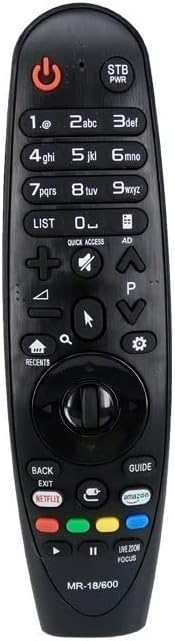
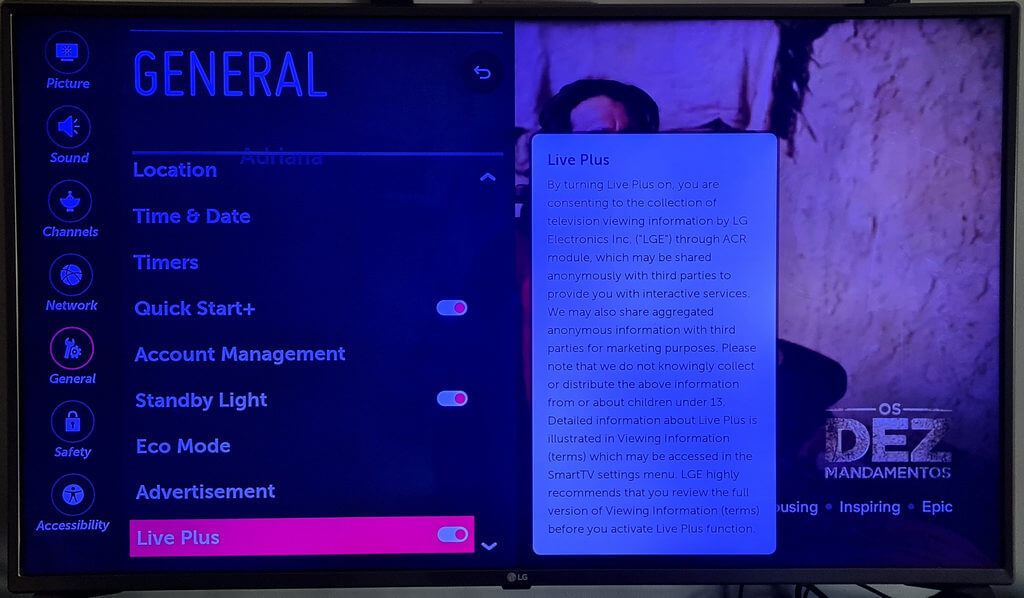
On this particular TV, the changes can be found using the Magic Remote settings cog>all settings>general>additional settings>Live Plus – toggle OFF.
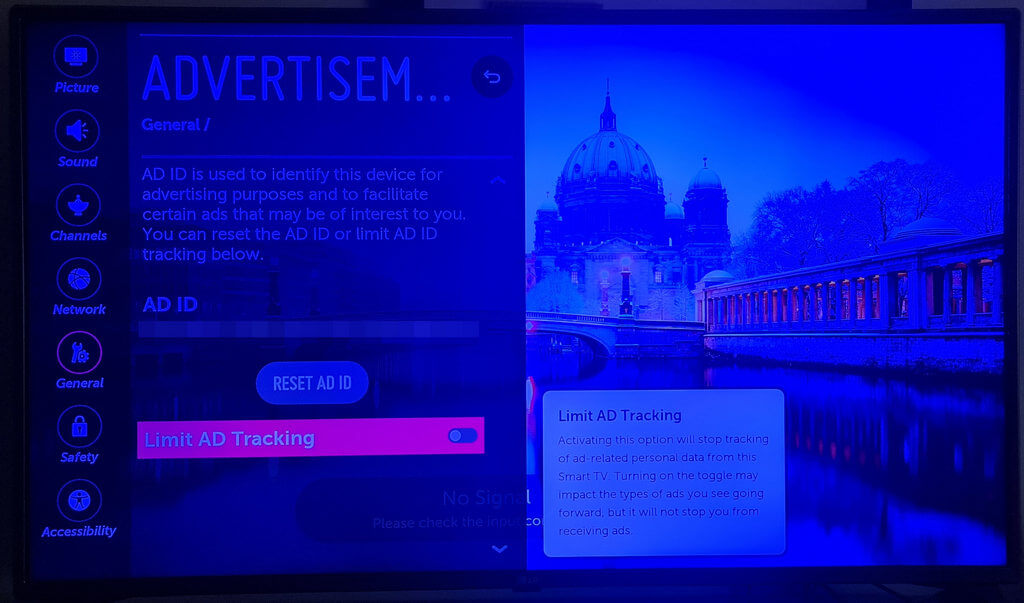
Also, I went to all settings>general>additional settings and turned on Limit Ad Tracking.
Clearly, if you’re using it as a dumb TV, as I was, just turn Wi-Fi off, which overrides all other settings.
TCL 55″ smart TV model 55V6C-F (2026) Android TV OS version 12
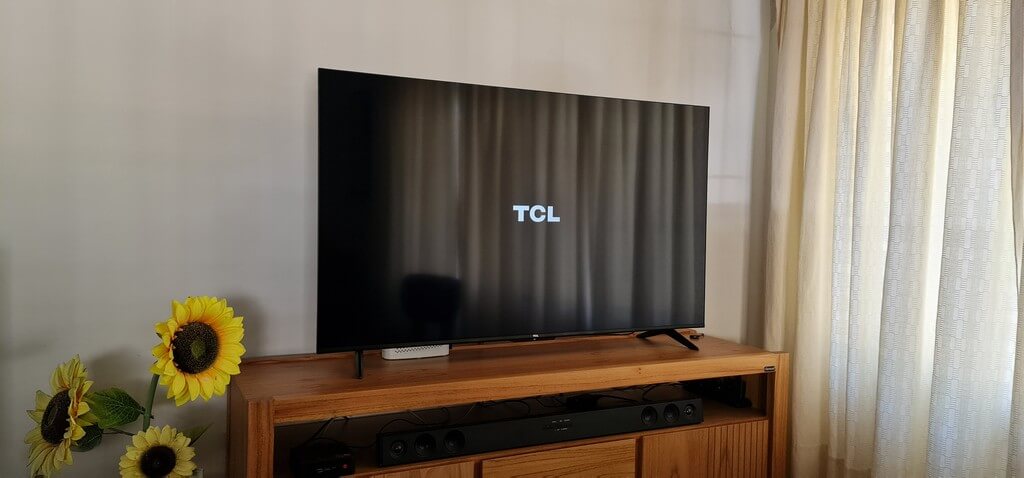
Eight years is a long time in technology, and the settings on this smart TV are extensive, so I’ll summarise here.
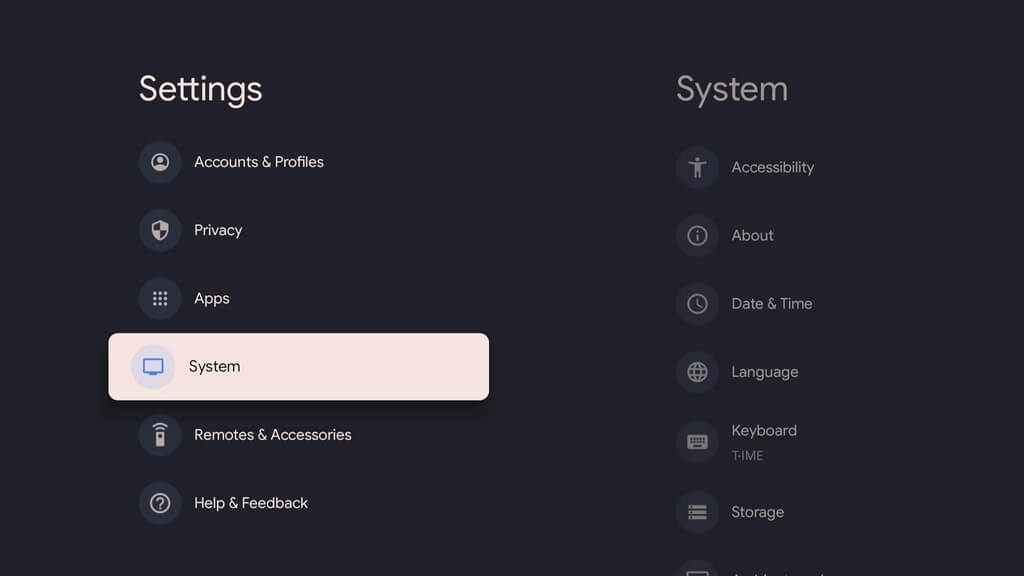
Unlike the LG TV, using the TCL app, I can take screenshots. I trawled through all the settings, paying particular attention to Privacy and System Diagnostics. Here’s a montage of the various screens I encountered:
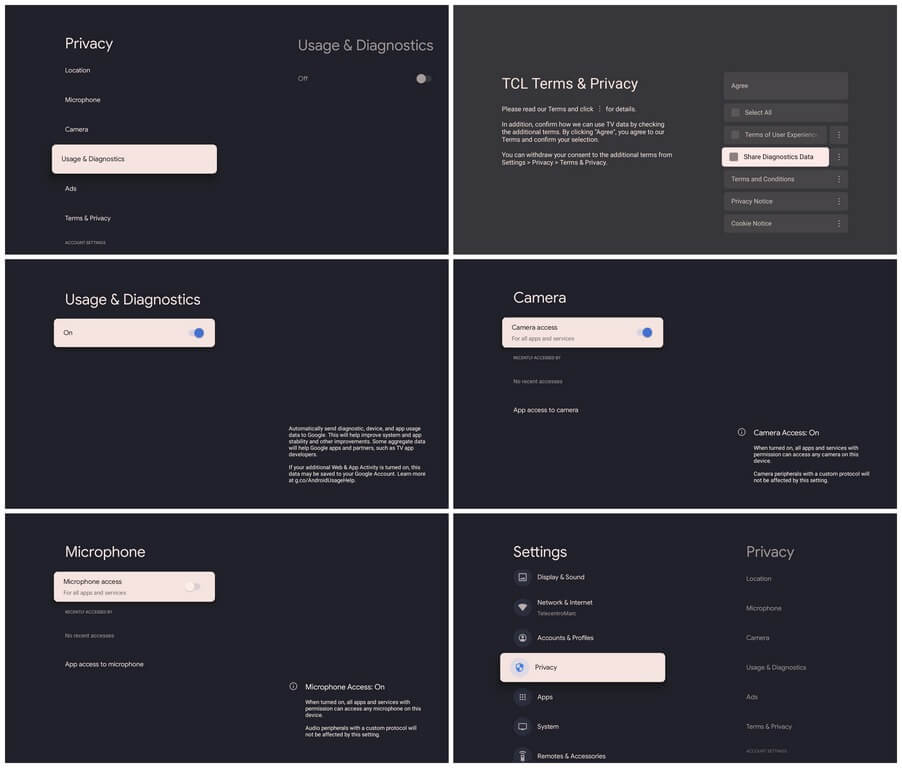
Like the LG TV, there’s a microphone in the remote, but I didn’t detect a camera. Most smart TVs don’t have cameras, so I don’t know why that setting exists. Again, if you use it dumb, simply turn off Wi-Fi!
Privacy is a huge issue today, and I have even heard stories of smart TV manufacturers selling TVs at cut-down prices because the data that’s collected is worth more than the TV itself. Go figure!
—
