
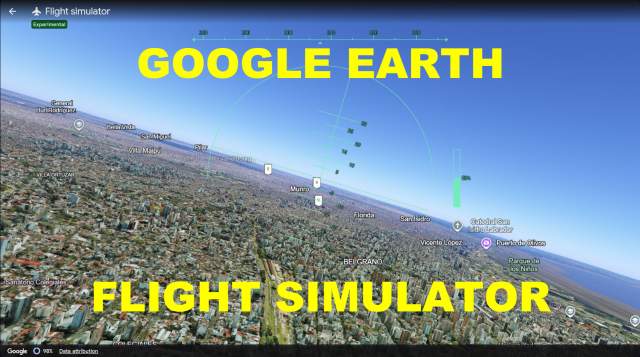
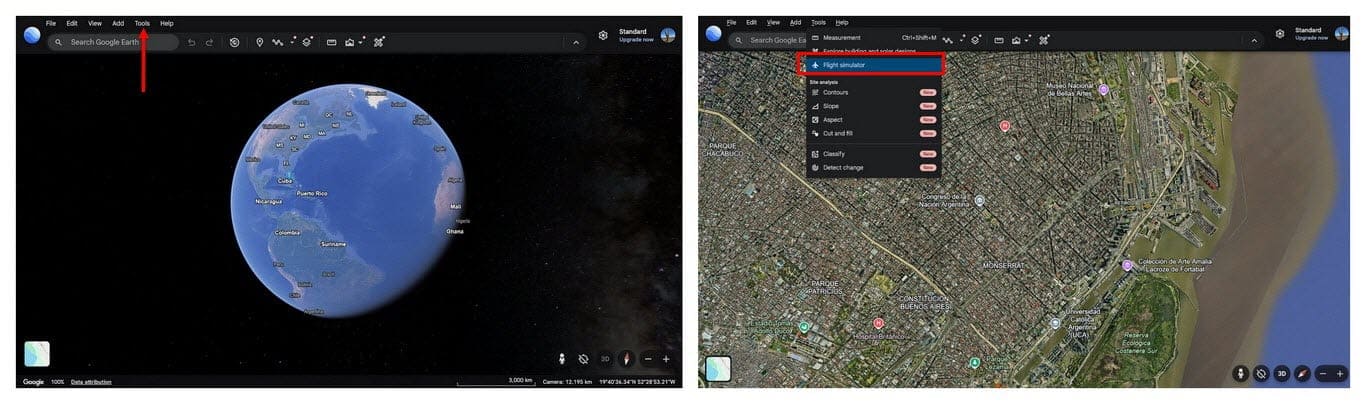
I didn’t realize the flight sim had been in the Google Earth desktop app since 2007, but it was only recently made available in the browser version. It’s really just a bit of fun, free to use, and easy to find. Open Google Earth in your browser, hit Explore Earth, then Tools, and finally, Flight Simulator.
The controls are fairly limited and rather sensitive, so I crashed numerous times. It also helps if you know something about flying a plane and/or if you’ve played a flight simulator game, such as Microsoft Flight Simulator 2020.
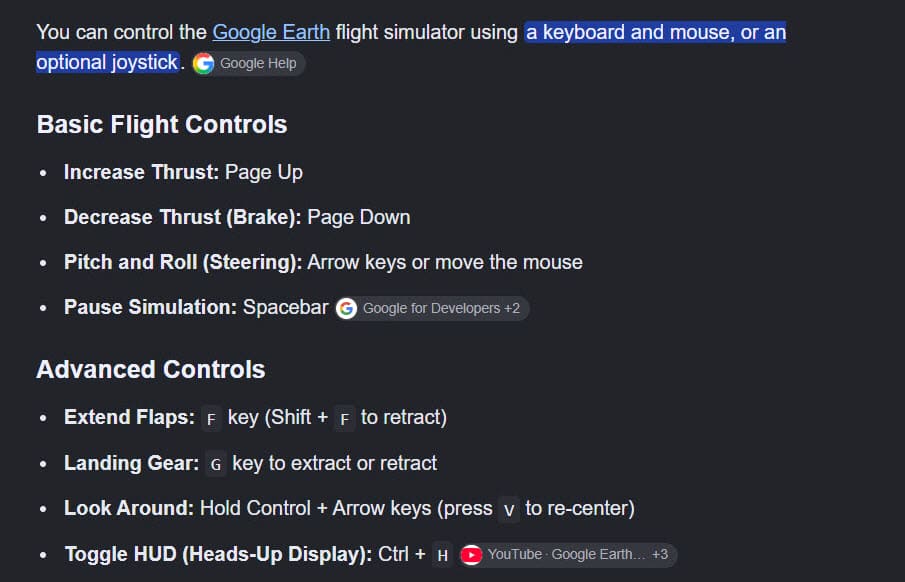
I had more luck on the PC than my laptop because PgUp and PgDn are easier on a large keyboard. I also tried using a joystick, but that’s only supported by Google Earth Pro, which you can still download until June 2027.
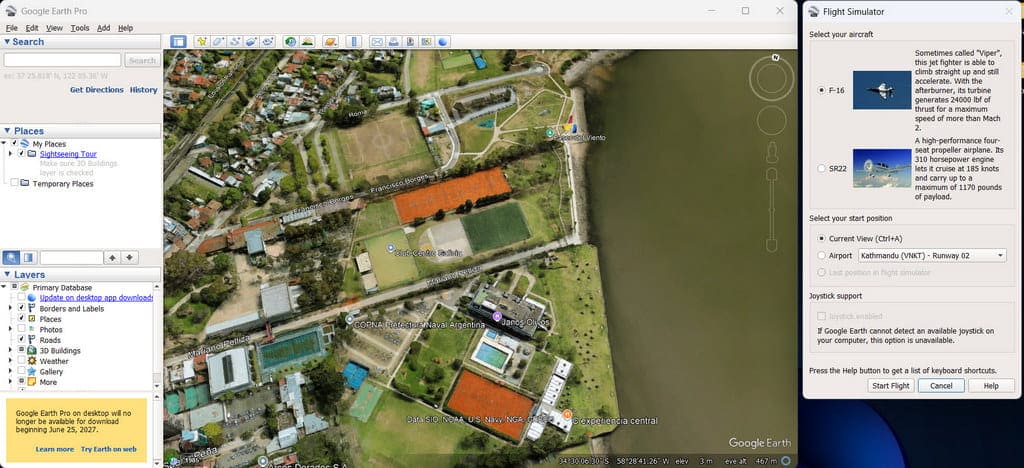
I had more luck with the web version, even just with a keyboard because, although the desktop version supports a joystick, the aircraft was all over the place. In fact, I couldn’t even get the F16 off the ground! Most beginners are advised to start with the SR22 in the desktop version, but the web version doesn’t have a choice of aircraft, which is probably just as well in my case.
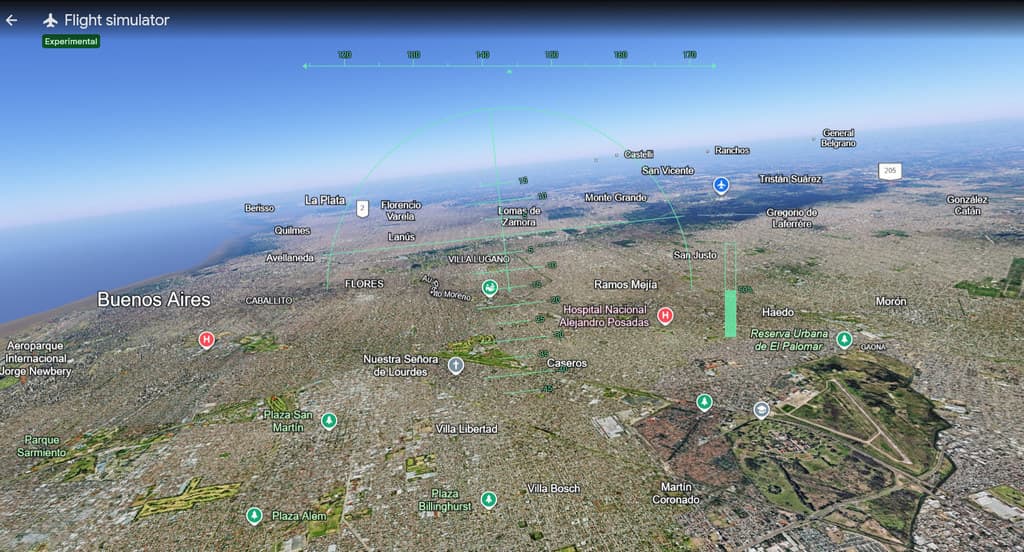
It’s a fun way to waste a few hours on your PC, and it did rekindle my interest in flight sims. So much so that I reinstalled Microsoft Flight Simulator 2020, which is considerably easier to use!
—
