

Over the years, YouTube (YT) has become a behemoth, but it is also messed with by Google in ways that are not always to our liking.
Change The Huge Video Thumbnails
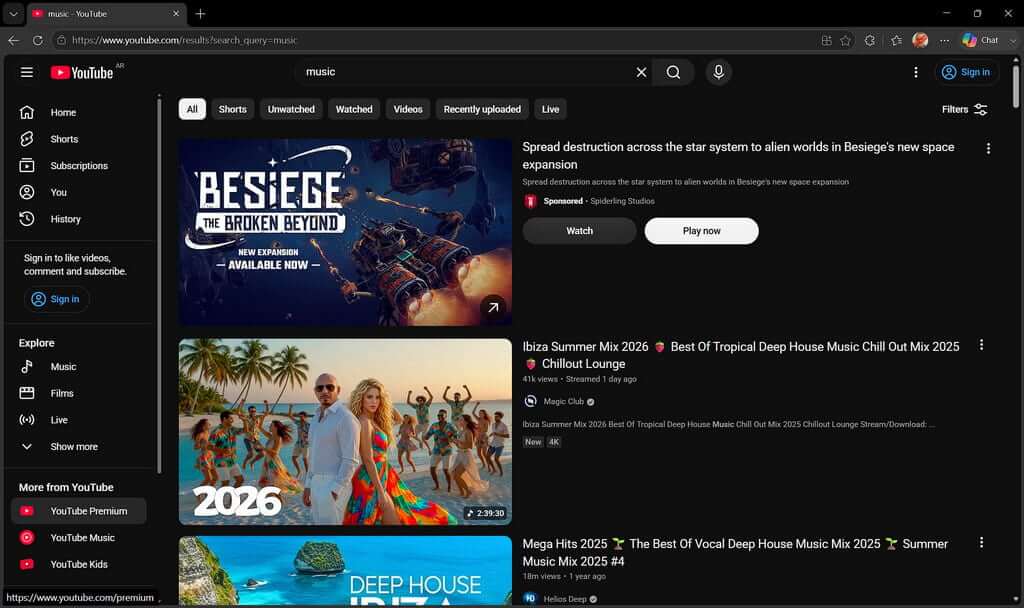
One of the biggest complaints lately is about the huge video thumbnails, which force you either to keep scrolling or be attracted by the prettiest thumbnail. For me, it’s irritating and needs changing, so enter YouTube Row Fixer, an extension that does much more than fix the number of rows.
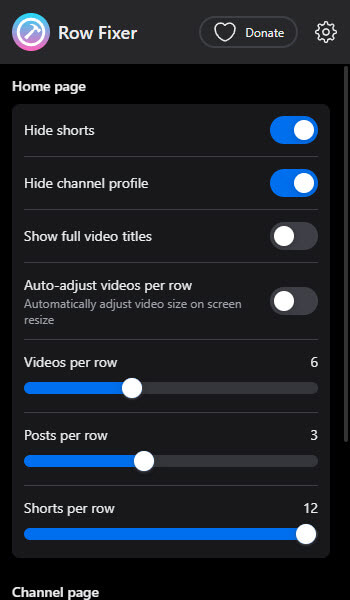
I covered this last October in How To Change From Massive YouTube Thumbnails, yet there is a lot more tweaking that can be done to customise it more to your liking.
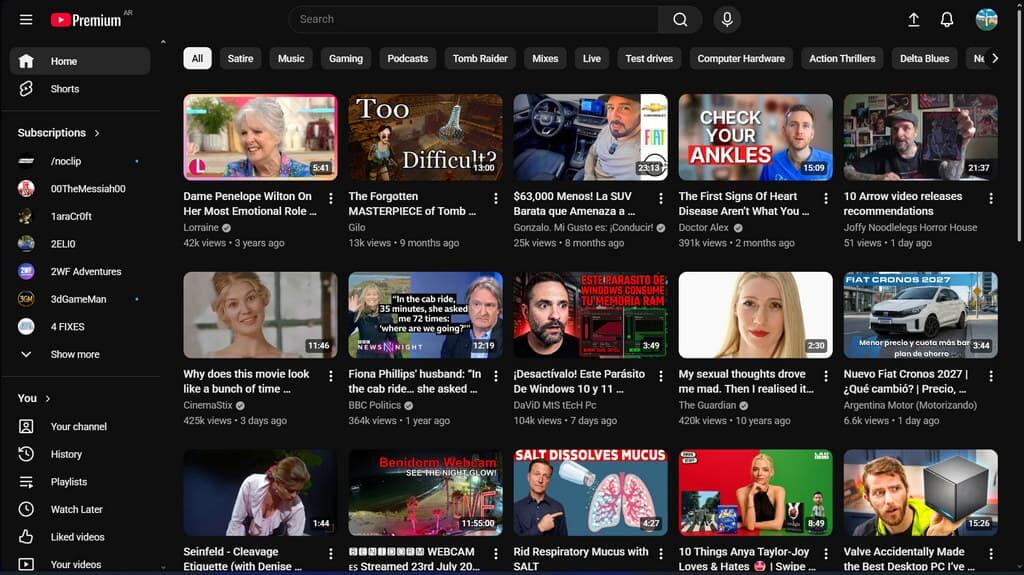
Here’s my home page after tweaking, and clearly I don’t get ads because I’m on Premium.
Hate Shorts? Me too, so check out the other tweaks that Row Fixer can do.
Stop Translating Video Titles!
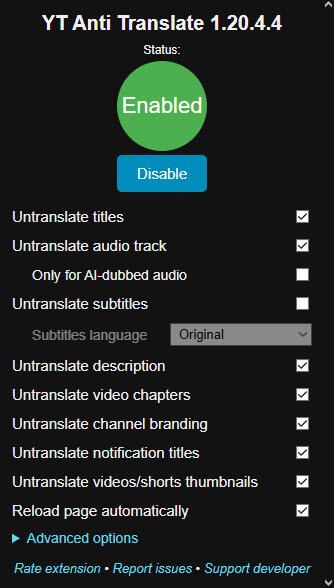
I speak fluent Spanish and don’t need titles to be translated into English, thank you very much! It’s annoying, insults my intelligence, and is yet another example of dumbing down syndrome being thrust upon us, so let us make our own choices, please. For this, I use YouTube Anti Translate, a tiny extension that does exactly what it says on the tin.
Remove Ads
Before I signed up with Premium, I was using uBlock Origin to block all ads on YT and enjoyed hours of ad-free viewing. From what I can gather, the extension still works, but Google is constantly moving the goalposts in this respect, so your experience may differ.
Other YT Tweaks
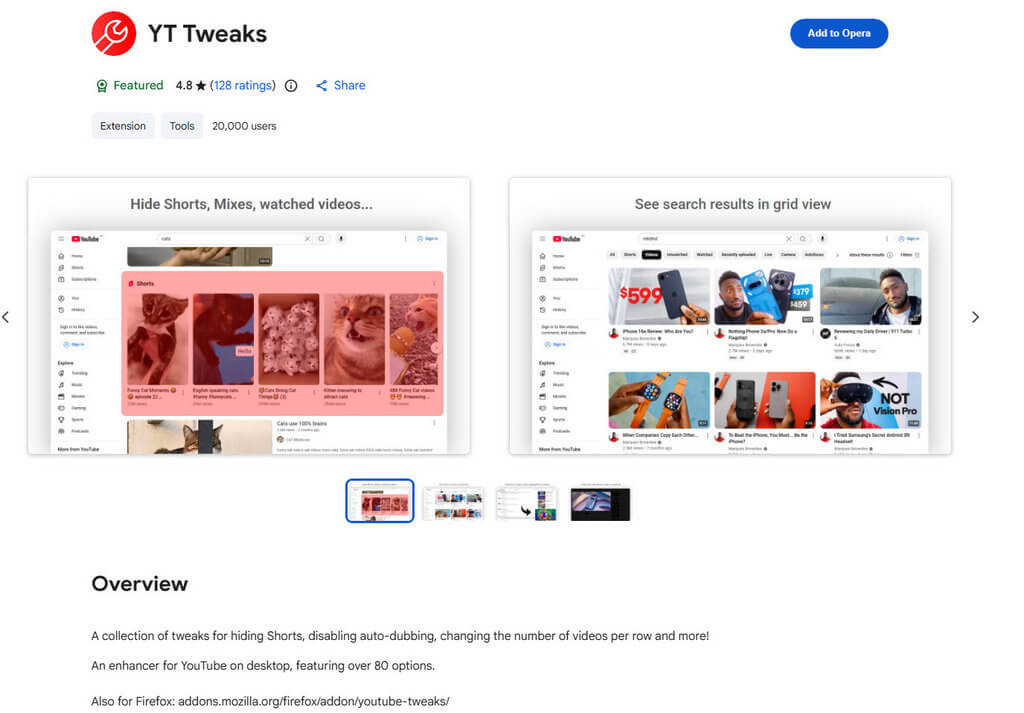
There really is no end to tweaking YouTube, and YT Tweak is the Swiss Army Knife of tweaks with over eighty different changes you can make to YouTube. I haven’t installed this extension because Row Fixer and Anti-Translate do everything I need for now.
How do you tweak YouTube? Please comment below.
—
