

I recently ran WinGet to update the apps on my computer. It ran OK with one small snag.
WinGet Breaks 4K Downloader Plus
I was made aware of a program called “Patch My PC”. Thanks, Mindblower. A search shows it’s been covered before in past articles.
Read:
Top Notch Free Software Updater
So I decided to try out the latest version. I downloaded the portable version from MajorGeeks.
Get it directly from the main site.
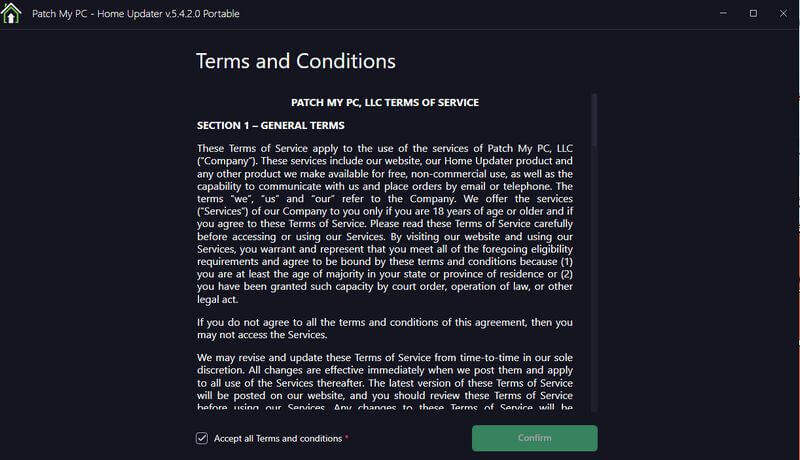
I ran the program and agreed to their “Terms and Conditions” by checking the box on the bottom line that reads “Accept all Terms and Conditions”. Then click on the green confirm button.
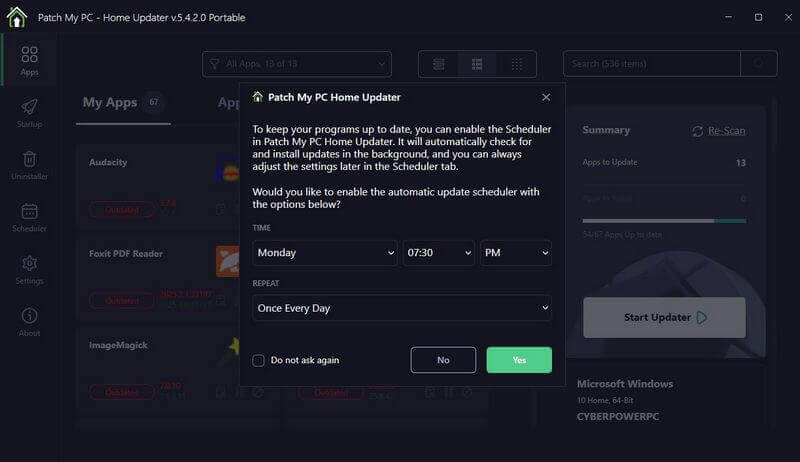
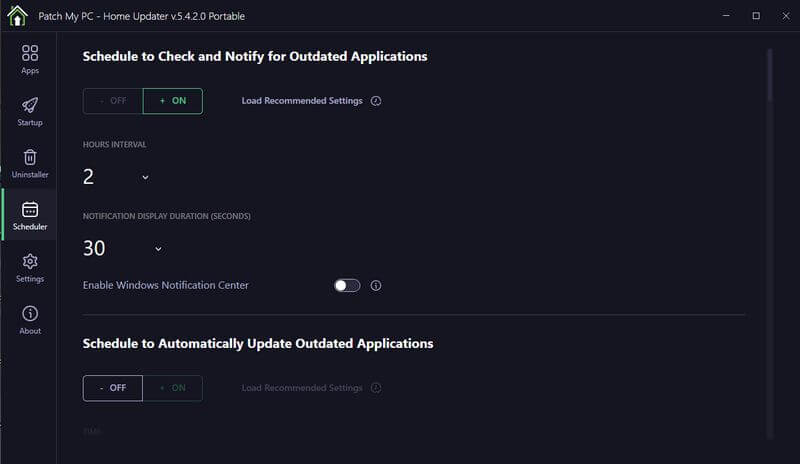
Then I was given the option to enable the “Scheduler”. This would allow the program to check and install updated programs in the background automatically. I said “No” at this time.
Then I was shown a list of installed apps and which ones could be updated. The updated apps are shown in Green. The outdated ones are shown in Red.
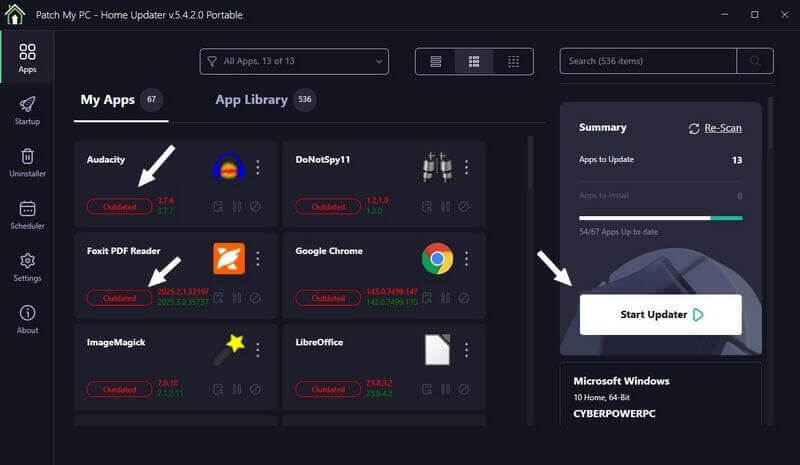
At this point, you could click on the white button on the side that says “Start Updater” and then wait until it’s done.
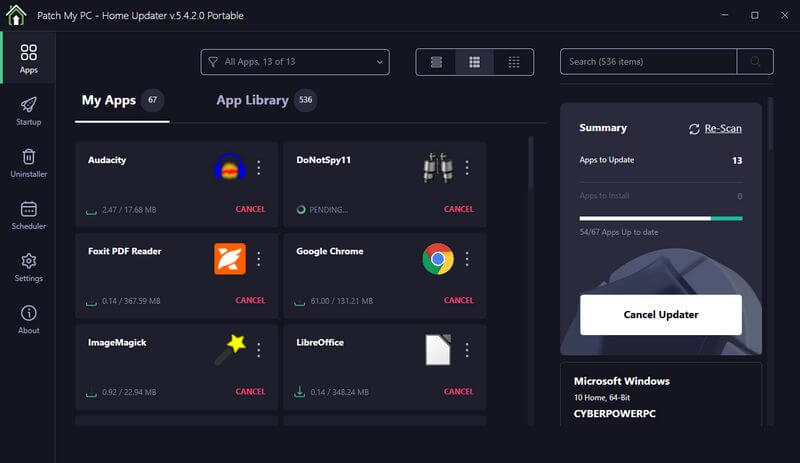
It will then start downloading and updating the apps. Each program box shows the progress with the option to cancel.
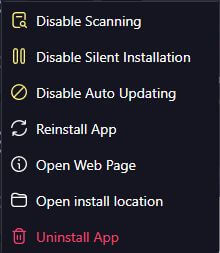
You can click on the three stacked dots on the right-hand side of the program icon to get a little more control of each app you want to update. These are the options:
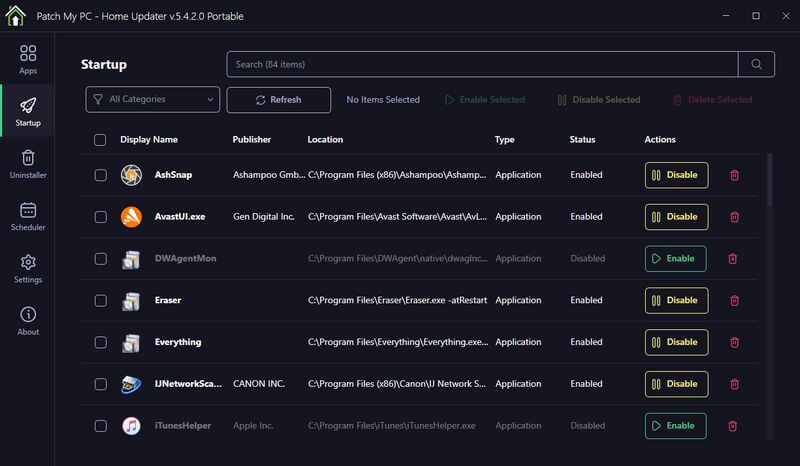
On the left-hand menu, you have a few more built-in utilities like a “Startup manager”…
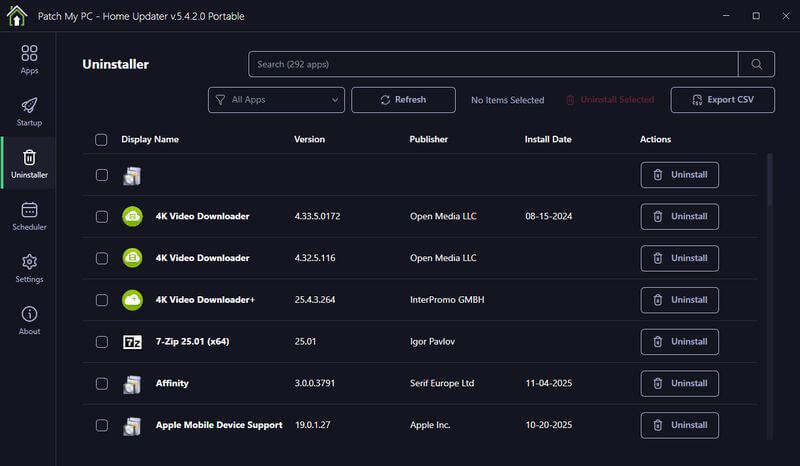
…an “Uninstaller”…
…a “Scheduler”…
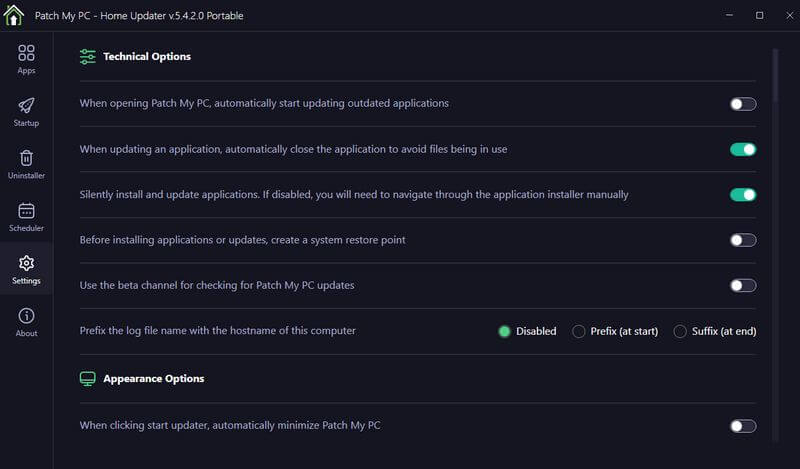
…and Settings.
I only had problems updating one program, and that was the “Foxit PDF Reader”. I click on the three-dot menu next to the icon and select “Reinstall App”. It still couldn’t do it. I went to Foxit and updated it directly from within the program. So, even if it can’t update directly, it can tell you what needs updating.
Anyway, in a nutshell, that’s the basics of the latest version of Patch My PC.
—
