

As I’ve mentioned in another article, Windows usually needs tweaking, and many features that should be present simply are not. This is where freeware comes in, and there are certain free programs that I add right away on a clean Windows install. Many of them save time and also avoid having to perform a task through an online service, thus keeping things local and more private.
Microsoft PowerToys
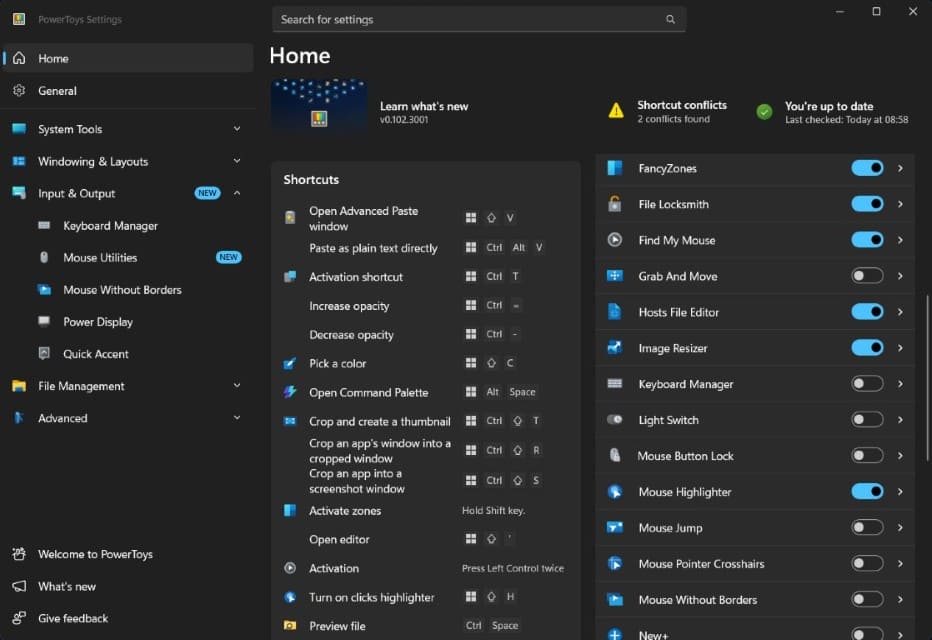
Microsoft PowerToys is a must-have for all Windows users and contains more tweaks than you can imagine – too many to list here – and one I use regularly is Image Resizer, which puts itself in the context menu when right-clicking on an image.
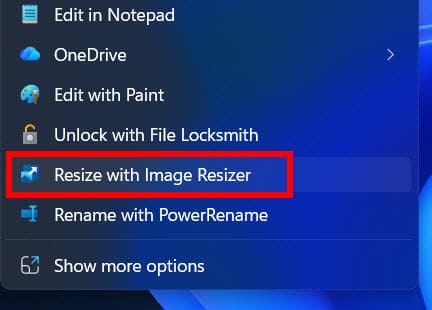
Note: The Windows 10/11 context menu is a mess right now, but update KB5127936 will allow us to customise it.
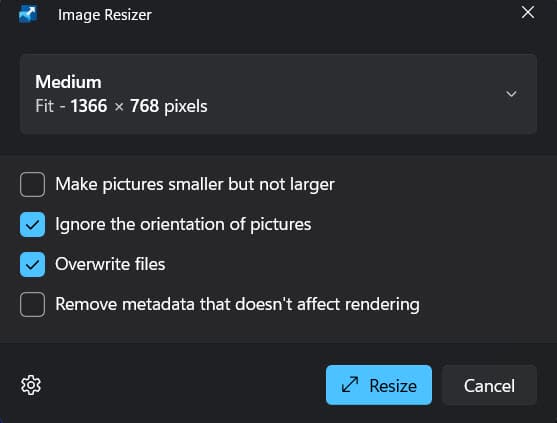
I use Image Resizer every single day because many sites have limits on the size of files we can upload. I’m also still trawling through the many other features of PowerToys. It’s an impressive list!
File Converter
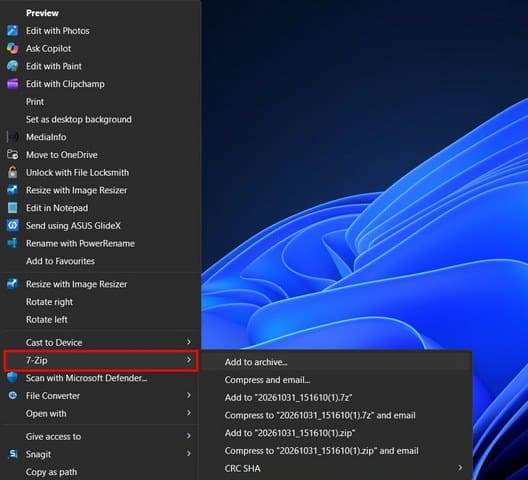
PowerToys for Windows has an advanced file converter, but I prefer the standalone File Converter from Adrien Allard, who is also a video game developer. I like that it gets added to the context menu, which you see when right-clicking on a file because it’s a shell extension:
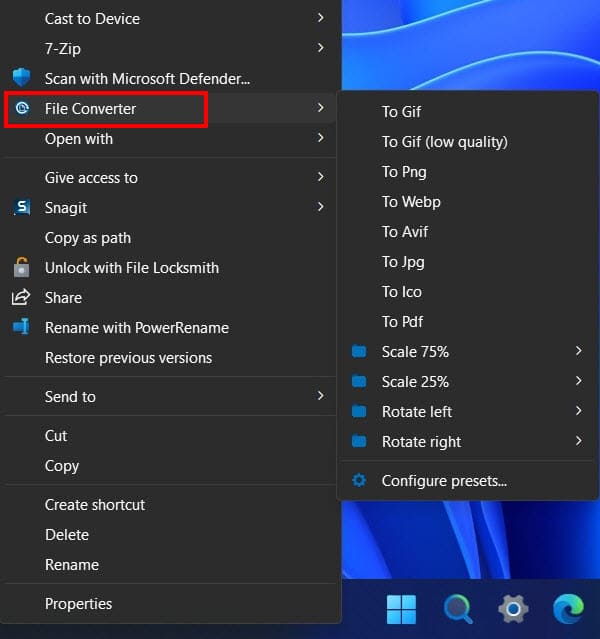
I use it mainly to convert PNG to JPEG images, but it can also be used to convert video and audio files. In fact, only yesterday I converted an MP4 video to GIF and the result was excellent. Previously, I had been going to Ezgif for conversions, but now I don’t need to!
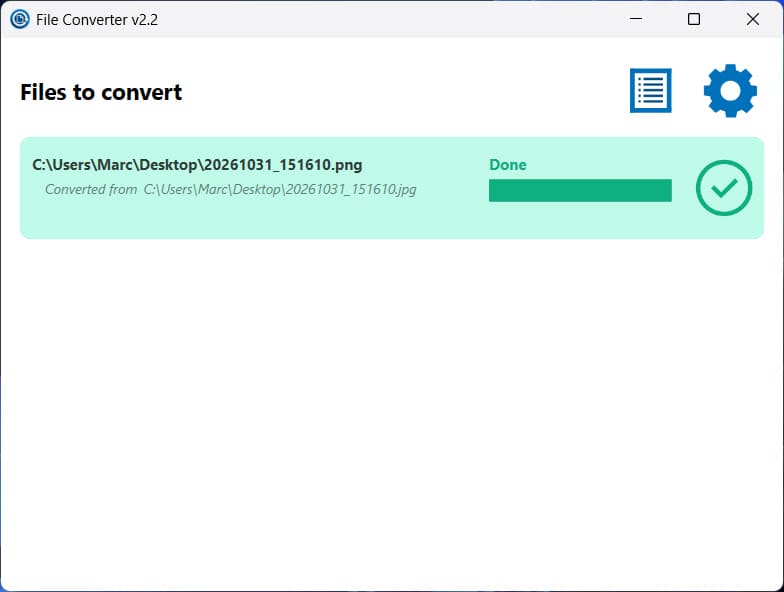
File Converter is very fast, easy to use, and since I’m playing with images and other files on a daily basis, it has become my go-to file converter.
Note: Since writing this, I came across Filee, a very versatile open-source and novel file converter which uses drag and drop as opposed to the context menu. I’m in the initial stages of playing with it and am writing about it in another article concerning JPEG XL. So far, I’m very impressed!

FastStone Image Viewer
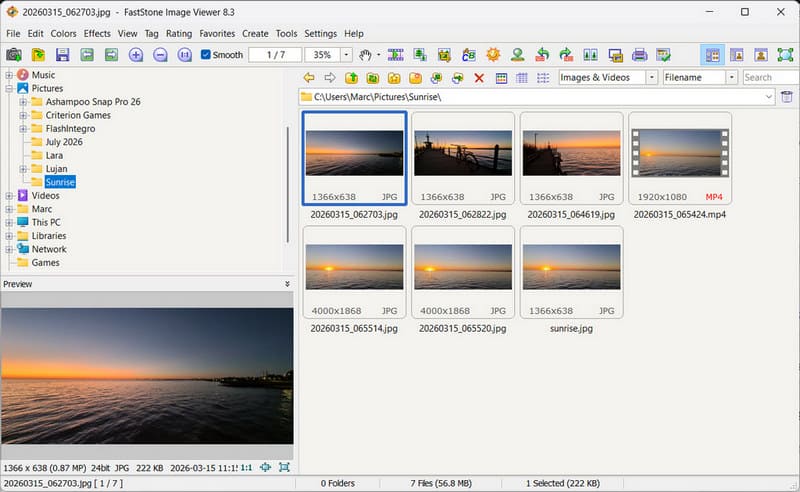
I’ve been using FastStone Image Viewer to resize images for years, but it can do much more than that. Many websites require images to be no more than 100KiB in size to upload because they will open much faster. FastStone allows us to reduce the ‘weight’ in KiB without losing too much quality, by using the quality slider as shown here:
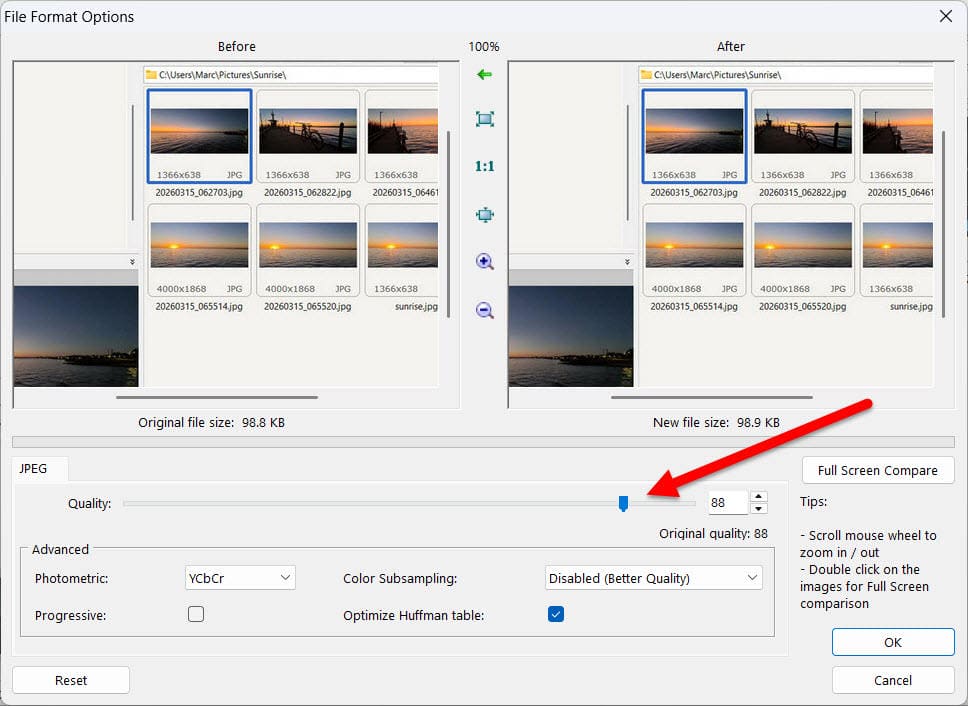
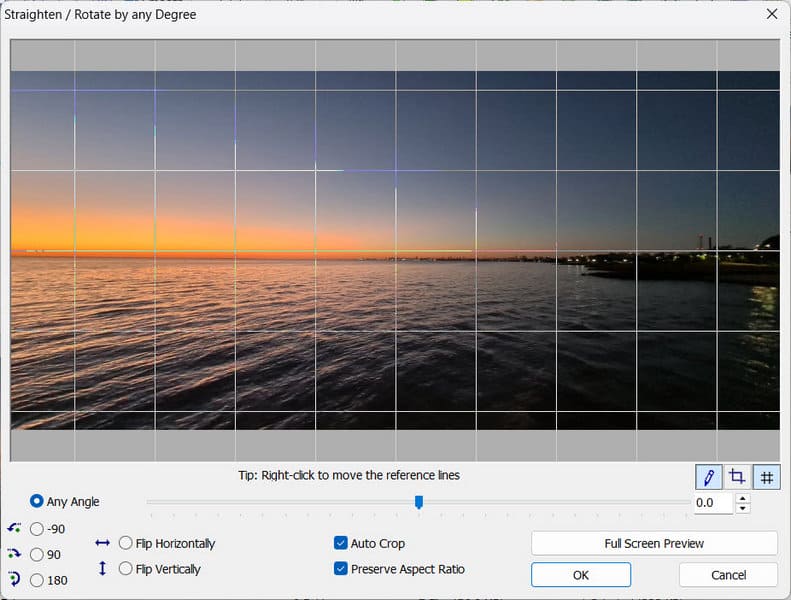
The program can do so much more, and I’ve also used it to batch convert and/or resize multiple images from PNG to JPEG, for example, and also to straighten/rotate an image. This is particularly useful if your picture includes a horizon, which can be rotated in very small increments!
Everything (Search)
Everything from voidtools is simply light years faster than the totally useless Windows Search function and will find what you’re looking for in seconds! I’ve been using Everything since I discovered it back in 2022 and wrote about it in Everything – Windows Search At Light Speed.
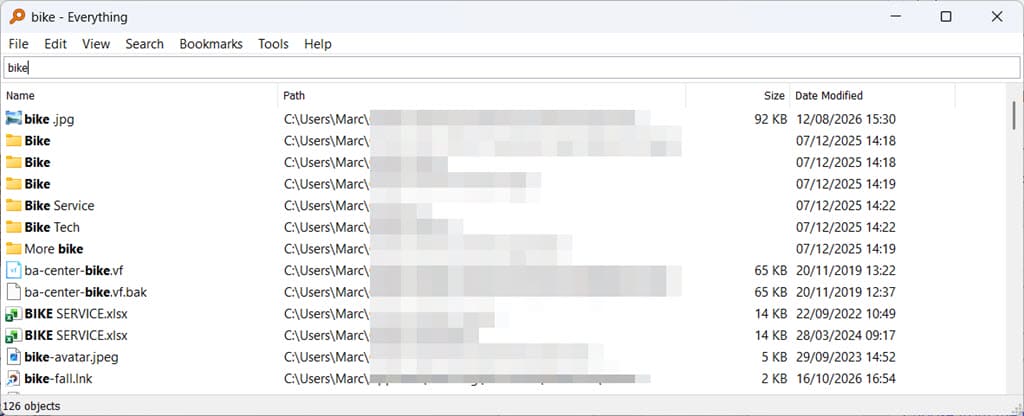
This free search engine needs very little explanation since it does exactly what it promises, and I gave up using Windows search years ago, even before finding Everything. I don’t use it every day, but when I do need it, it finds that elusive file in milliseconds! Give it a go; you’ll never look back.
7-Zip
VLC Media Player
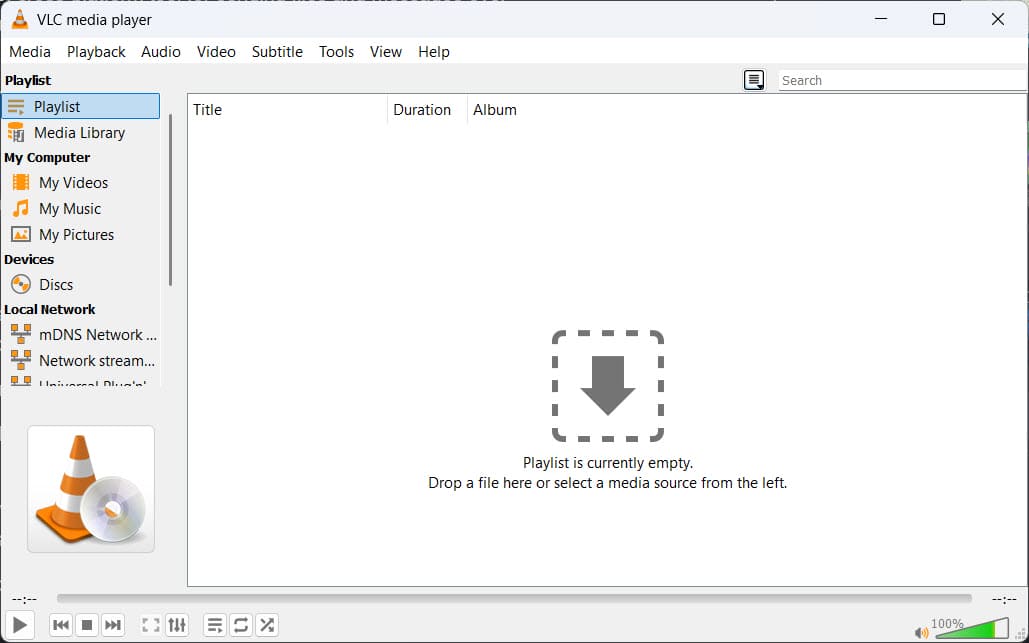
Described by many as the Swiss Army Knife of media players, it’s hard to disagree since VLC will play everything you throw at it. I also use Media Player Classic (MPC), another free media player, but VLC is more versatile.
Let us know your favourite freeware in the comments below.
—

Great list! You might add Notepad++, a superb text and program editor; IrfanView, a general-purpose media editor; WinMerge, a file and folder difference utility; Sumatra PDF viewer; WinDirStat, to see drive usage; and OpenShot and Shotcut video editors. Oh, and Firefox web browser and Thunderbird email — thank you, Mozilla!
BTW, many of those applications also come in Linux versions and/or work well under wine in Linux.