

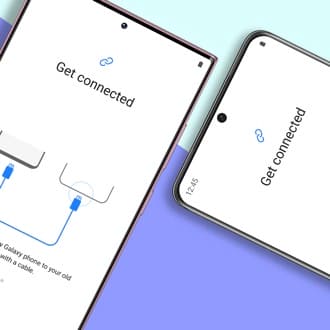
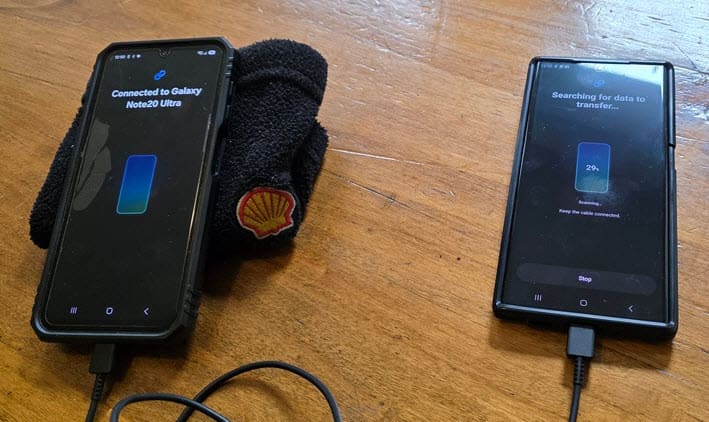
Samsung Smart Switch is a preinstalled app on all Samsung phones that can be used to transfer data, apps, and settings from an old phone to a new one, whether the source be iPhone or Android (it cannot transfer from Android to iPhone). I’ve used it twice in the last couple of weeks very successfully. First, when I moved from a Samsung Galaxy Note 20 Ultra (N20U) to a new Galaxy S25 Ultra (S25U), and yesterday when I transferred my wife from a Galaxy A25 to my old N20U.
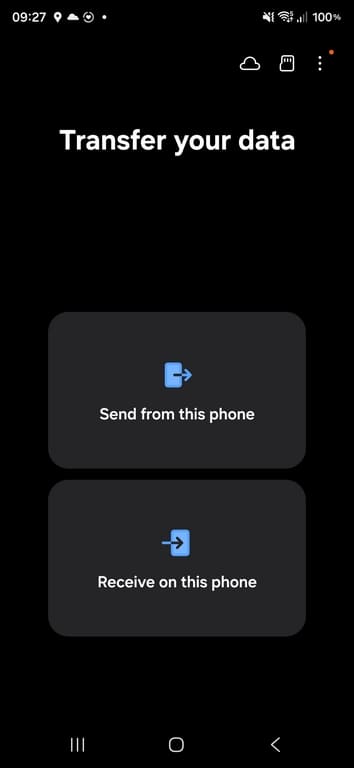
Clearly, the program needs to run on both phones, and this is the initial screen where you are asked which is which:
It’s very intuitive indeed, and the transfer can be done either over Wi Fi or by connecting both phones with a USB cable, and naturally the speed is dependent on the slower device. Smart Switch can also be used to back up your phone to a USB device or the cloud. Before the transfer, you can choose the data you want to transfer – for example, I chose NOT to copy images and videos because I already have them backed up. Besides, most of the images on our phones are disposable crap, especially the ones that go through WhatsApp and other messaging services.
Smart Switch Can’t Transfer Everything
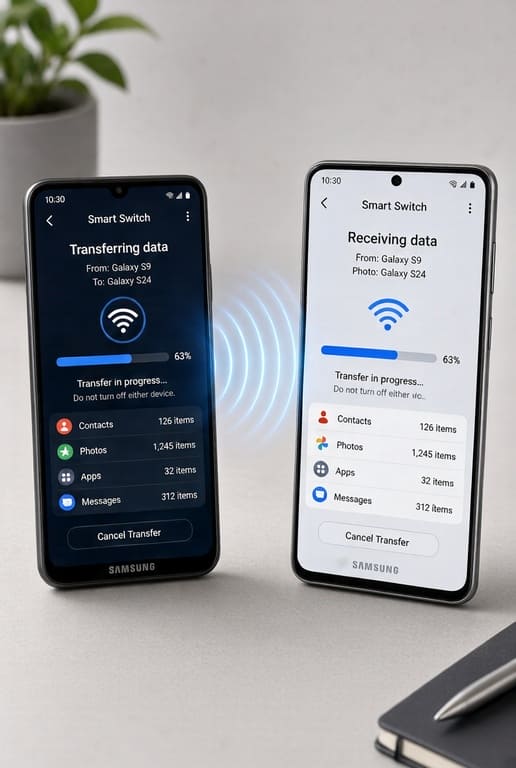
For security reasons, Smart Switch won’t set up passwords or other security features on the new phone, so those will have to be reset manually on the new device, especially banking apps and virtual wallets. Many require face recognition anyway with extremely tight security.
Personally, I found the Smart Switch experience very straightforward and extremely simple to use and, in many ways, cathartic, when you decide NOT to import all the crap that at one time you thought was useful and interesting!
—
