

Running older games on modern PCs can present us with certain challenges, as I know, following years of fiddling about with tweaks and compatibility settings.
What Is dgVoodoo2?
Described by its developer, dege, dgVoodoo2 is a set of implementations of old graphics APIs for Windows 7 and later. It’s free! I’ve been using it for several years, and it’s wonderful when you finally get an old game running when you’ve been struggling with tweaks that never worked. Most recently, on my laptop, I installed Project I.G.I. – a tactical first-person shooter by Innerloop Studios from the year 2000.
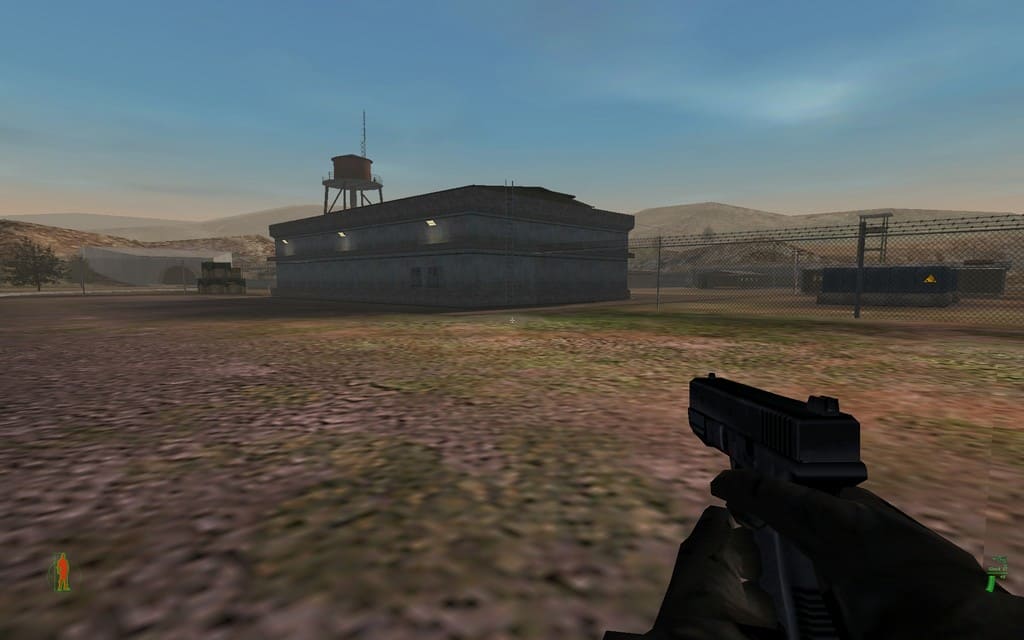
I have the original CD and installed the game on numerous computers over the years, and whilst it’s not as troublesome as some other games of that era, I often had issues with the mouse control – it would fly around uncontrollably – and very often I needed to tweak screen resolution. This is where dgVoodoo 2 comes in and, depending on whether your game is 3Dfx Glide or 32bit DirectX, we copy the relevant files shown here:
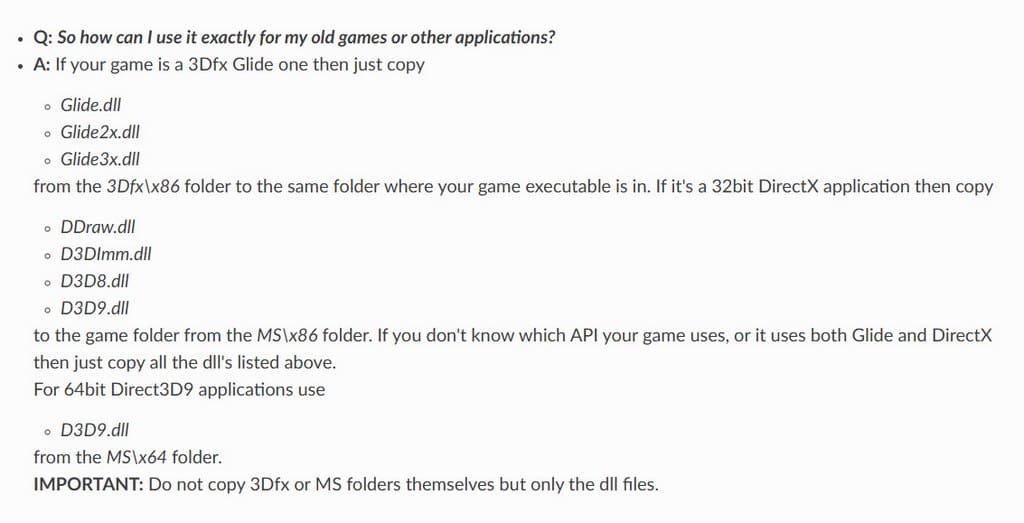
These should be copied from either the 3Dfx or MS folder within the dgVoodoo package to the game install folder where the executable resides, as described dege.
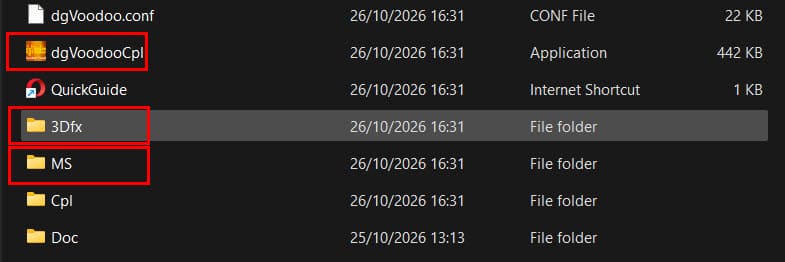
It’s important NEVER to copy anything to your Windows system folders! I always copy the dgVoodoo 2 control panel (dgVoodooCpl) to the game folder as well, which allows me to configure many more settings such as screen resolution and much more.
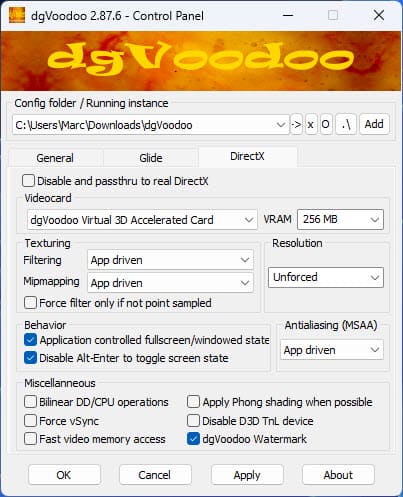
Once that’s all done, start your game and have fun!
—
