

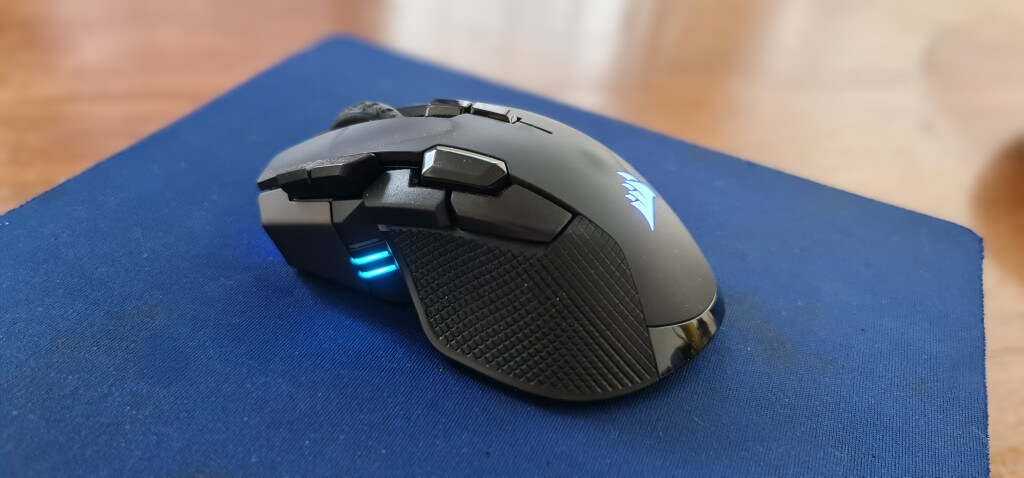
A couple of years ago, I bought a Corsair Ironclaw Wireless Mouse to go with my new gaming laptop, and it worked flawlessly – until I dropped it. I usually put the mouse on top of the laptop when I’ve finished with it, but as I was moving both to the next room, it slid off onto the hard floor, and right-click ceased to function from thereon. Left-click worked fine, and the dead giveaway was no clicky sound coming from the right-click area, which meant that either the Omron microswitch was broken or the plastic that connects with it was broken. Anyway, the only way to find out was to open up the mouse and find out what the problem was. I was a little daunted by the prospect of stripping down an expensive $50 mouse, but it turned out to be much easier than I thought.
No Right-Click?
As a reminder, I wrote about the lack of right-click in Can’t Right-Click? It’s On Your Keyboard! back in December last year, so that’s how long it’s taken me to face this problem. You’d be surprised how often we use right-click – highlight a word, then search or check spelling, or the many ways of interacting with Windows Desktop/Taskbar, etc., so without it, tasks take longer. Also, the touchpad on my laptop is playing up even though I rarely use it, preferring a mouse instead.
Opening Up The Mouse
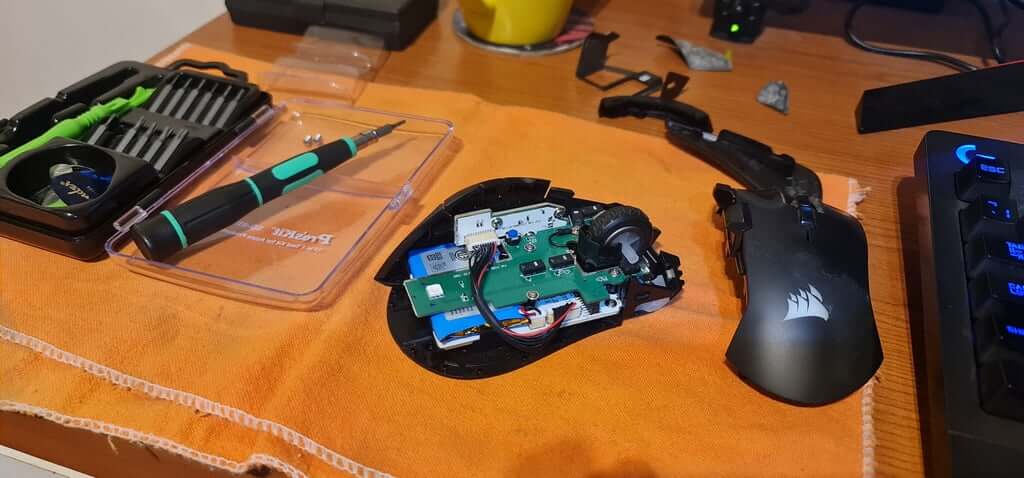
Some months ago, I watched a YouTube video of a chap with the same mouse who had 3D printed a replacement scroll wheel with a very handy guide on how to strip down the mouse. So, following his guide, I removed the bottom two silicon pads, then the two Torx screws, and finally the top and right-hand plastic sections. I didn’t need to remove any PCBs because all I needed to see was why the right button wasn’t connecting with the Omron microswitch.
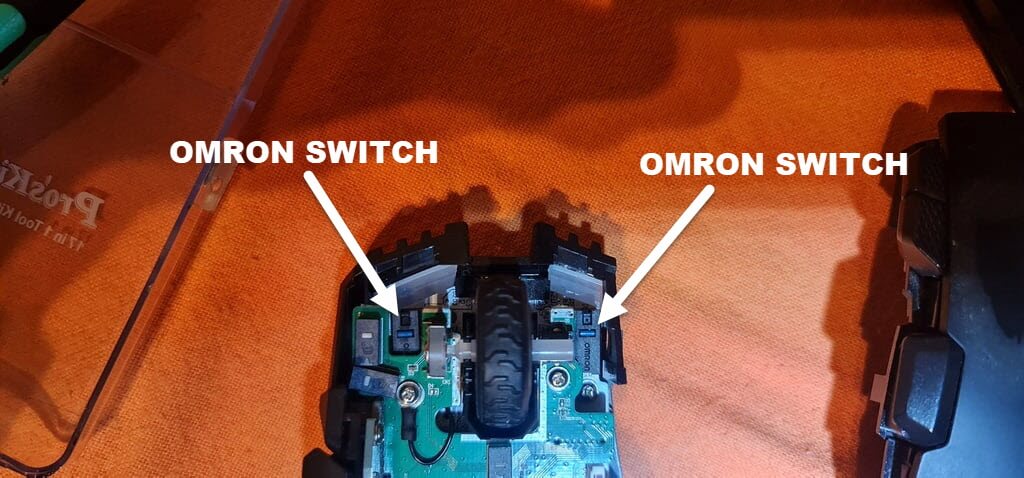
Before I took the mouse apart, I inspected the front right of the mouse, and it didn’t look quite right with some black plastic that looked out of place and possibly lifting the right mouse ‘button, preventing it from touching the switch.
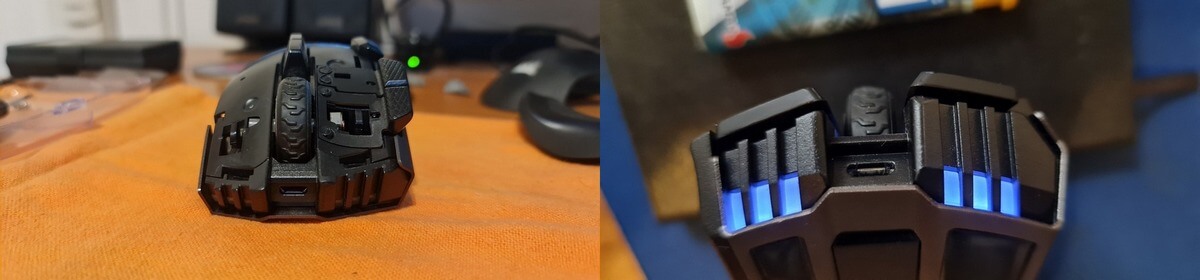
Anyway, the whole design is very elaborate, with the top part of the mouse being two parts, which I carefully split open for reassembly, which was very straightforward, requiring only minimal force for everything to come together.
And I was right about the small piece of plastic being out of place because when I put everything back together, it was no longer apparent, and right-click finally functions as it should.
—

If I were in your place, I probably would have wasted money on a new mouse. And it takes time to get used to the new one. It is impressive that you took the time to open it up and find the actual problem. A simple genius fix saved both time and money.
Thanks Rose.
It was definitely a challenge worth undertaking.