

I received an email concerning an “All In One” bootable image that contains several useful tools for troubleshooting your computer problems. I decided to check it out.
Note: This is not a paid review.
Download All In One System Rescue Toolkit
Download the ISO. Then use a program like “Rufus” to create a bootable USB.
How To Create Bootable USB Drive With Rufus
Use “SELECT” in Rufus to locate your ISO image. Then click on “Start”. You’ll get a warning: “ISOHybrid image detected”. Select “Write in ISO image mode (Recommended)”. Then “OK”.
(Ed Note: Click the following images to make them more legible.)
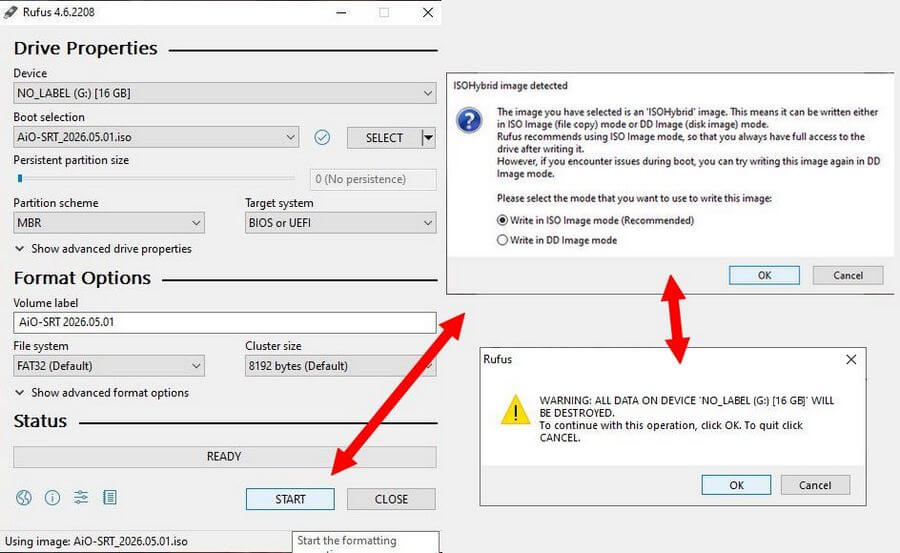
You’ll get a warning – “All Data Will Be Destroyed”. Anything currently on the USB will be erased. If you are fine with that, click “OK”.
Wait. When finished, you should have a bootable USB.
I’m going to try this on my “HP Laptop”, which currently uses Linux Mint. I have to press F9 to get to the boot menu.
I arrived at the AIO’s boot screen. I selected the first option – “All in One – System Rescue Toolkit”. Press Enter.
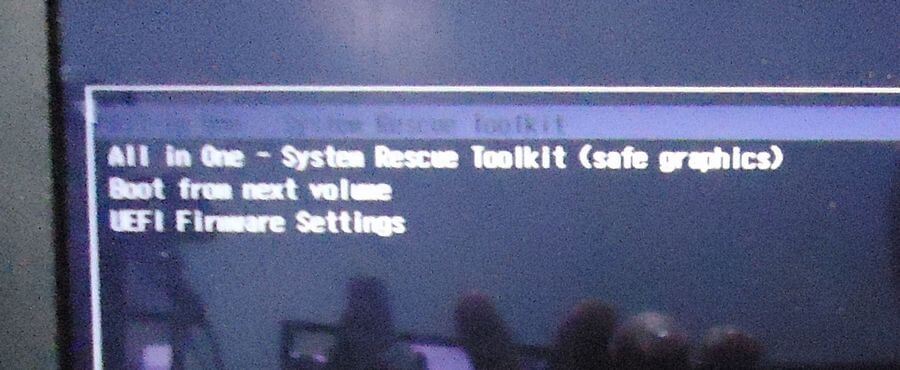
You’ll be taken to the main desktop. If the program doesn’t start up automatically, the icon to start it is the one with the crossed screwdriver and wrench.
Open up “All in One System Rescue Toolkit” and click “Accept” on the license agreement.
So the first screen that opens shows you some “System Info”.
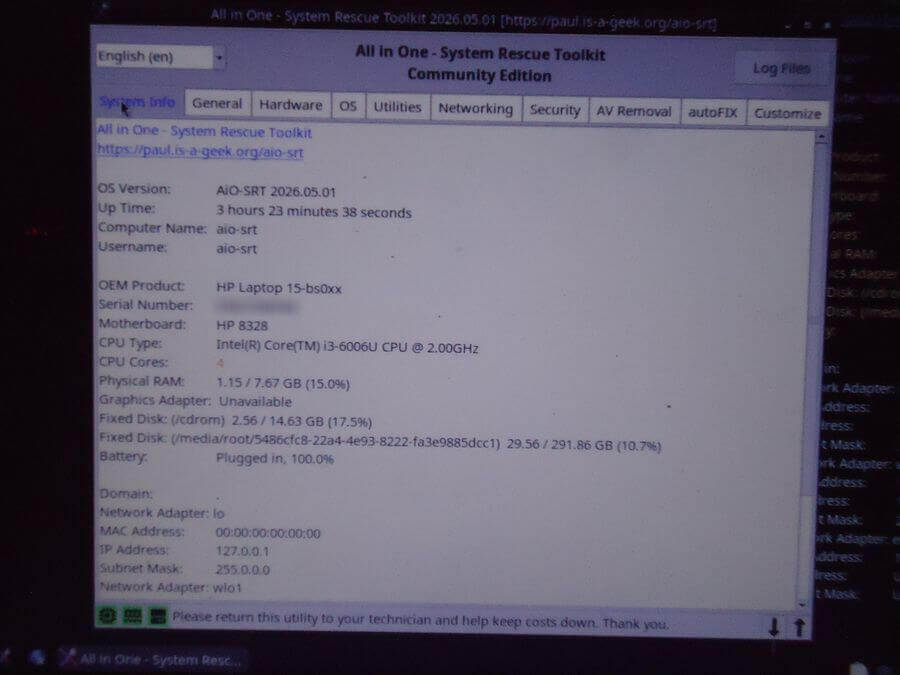
The pictures show the full list of tools.
General – Some of the tools include…
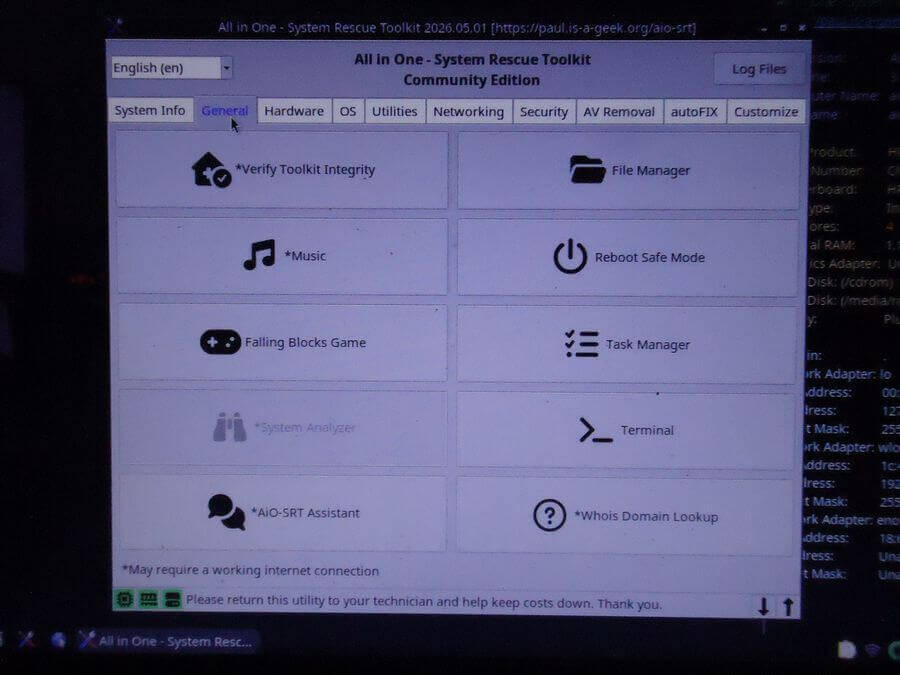
You can “Verify Toolkit integrity”, play music (requires internet connection), or play Falling Blocks (tetris clone). Use the “File manager” to manage your files.
Hardware – Some of the tools include…
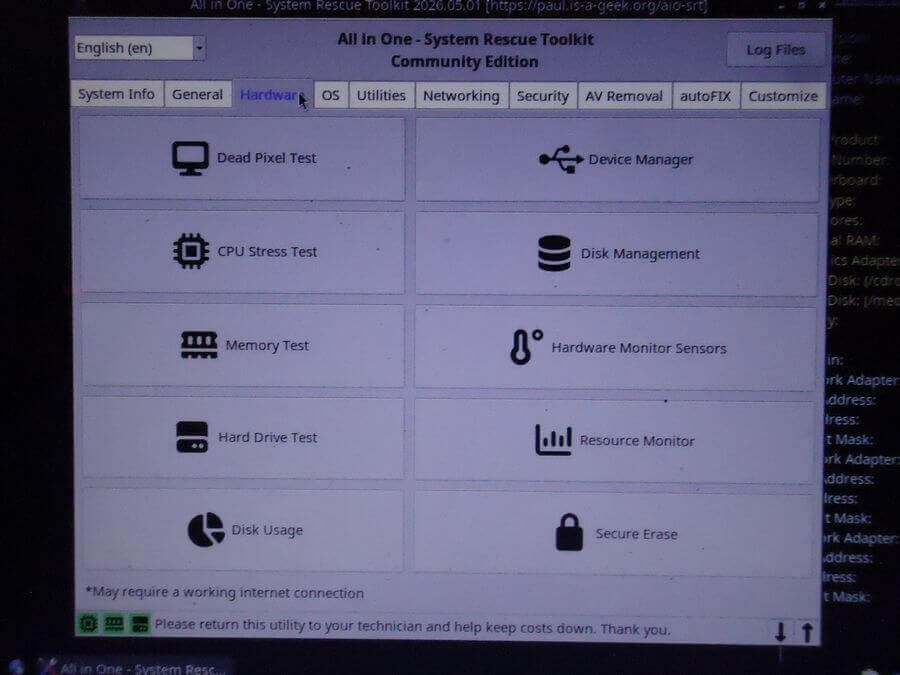
The hardware section includes: Dead Pixel Test, CPU, Memory, and Hard Drive testers.
Note: If you are booting from a Linux system, you’ll get utilities for the Linux system, and some options may not be available.
OS – Some of the tools include…
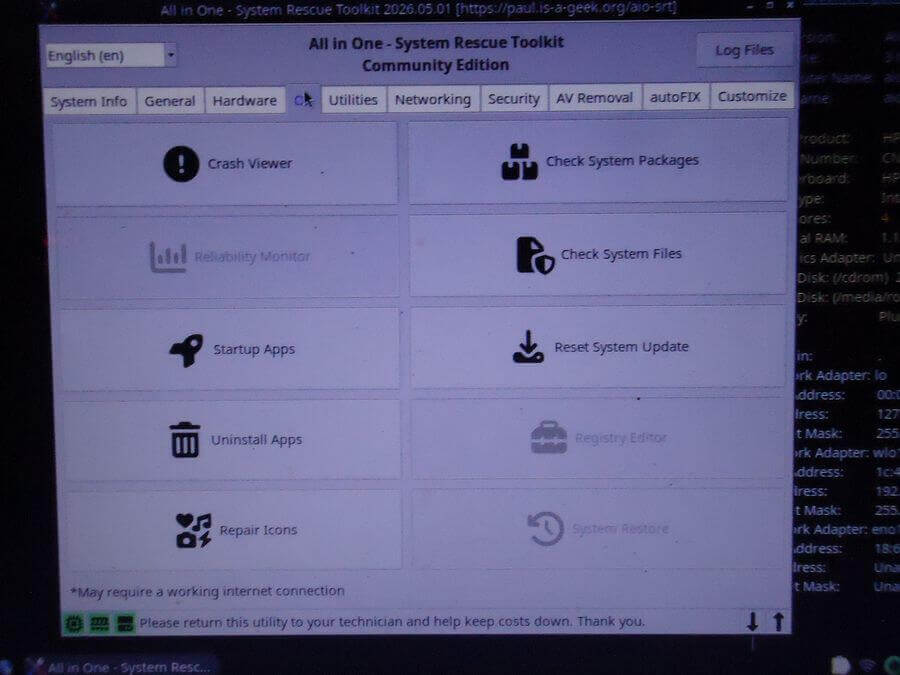
Crash Viewer, Startup Apps, and Check System Files. The “Registry Editor and System Restore” are not available because my laptop is Linux.
Utilities – Some of the tools include…
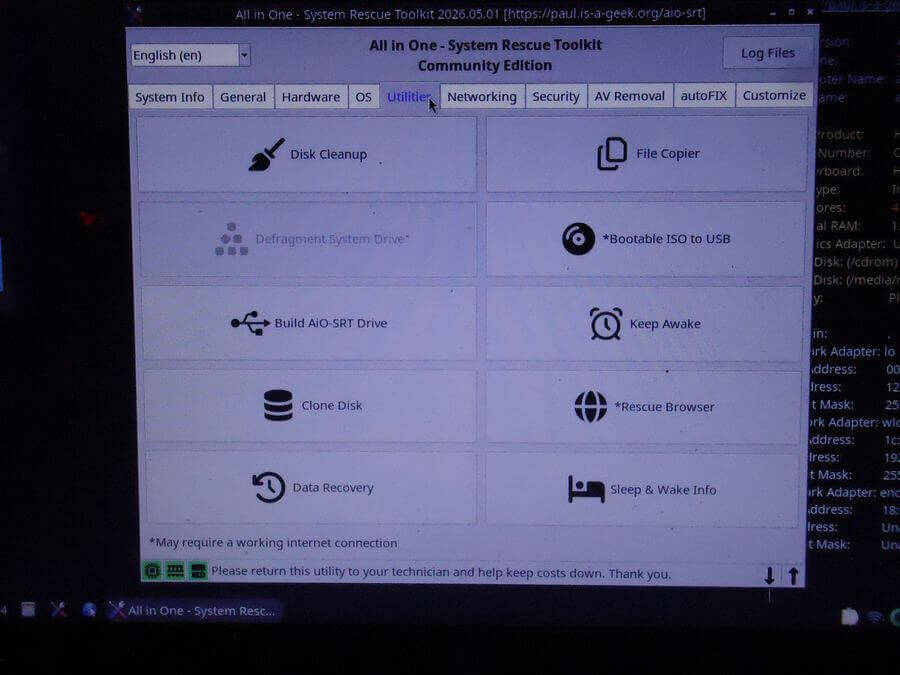
Disk Cleanup, File Copier, Clone Disk, and Data Recovery. Maybe the most important here.
Networking – Some of the tools include…
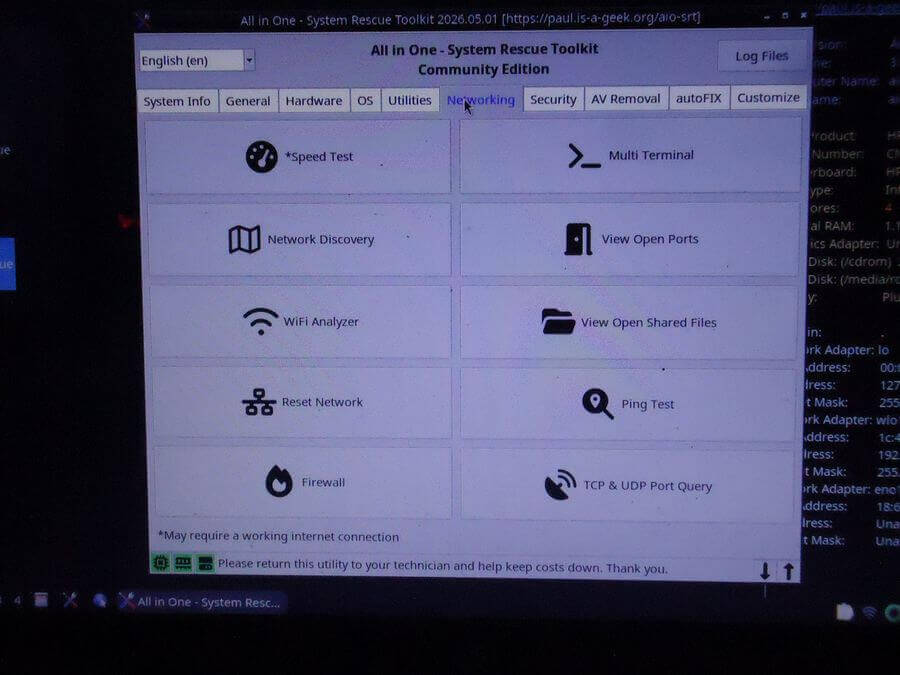
A Speed Test, WiFi Analyzer (I clicked on this and realized I wasn’t connected to my WiFi.)
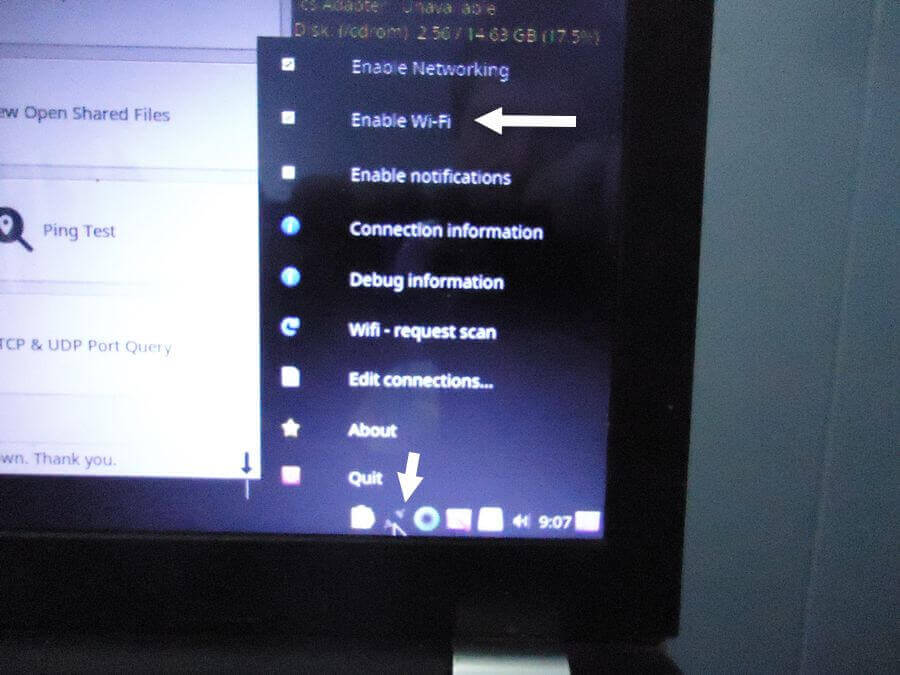
To enable wireless, right-click on the wireless connection icon and select “Enable Wi-Fi”. Then left-click the wireless icon and select your network from the list. Input your password when requested.
The WiFi Analyzer is something like the “Nirsoft Wireless Network Viewer”.
How To Change Your Wireless Channel
Security – Some of the tools include…
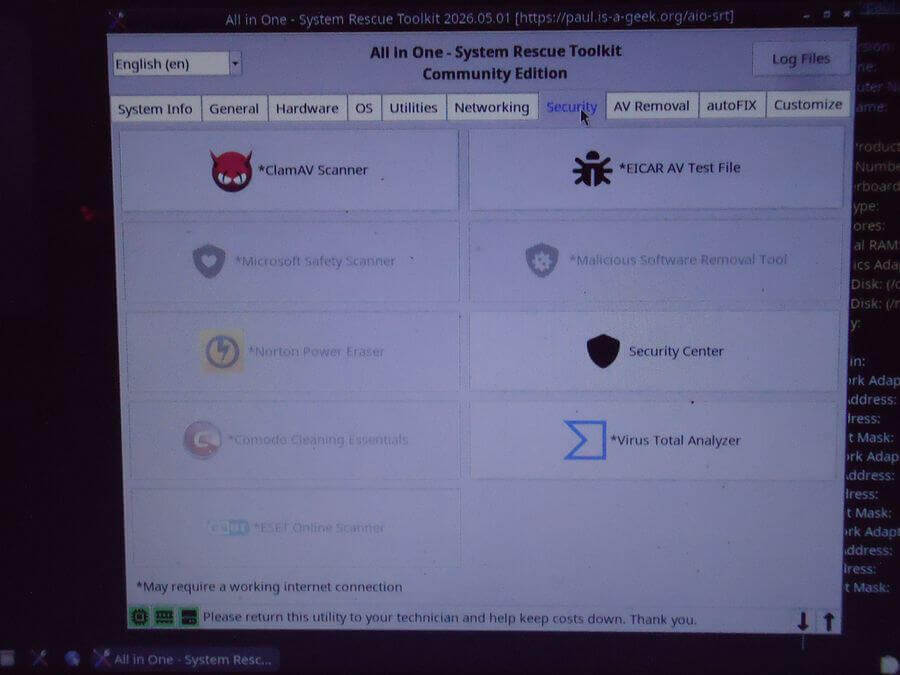
Antivirus and malware scanners.
AV Removal – Some of the tools include…
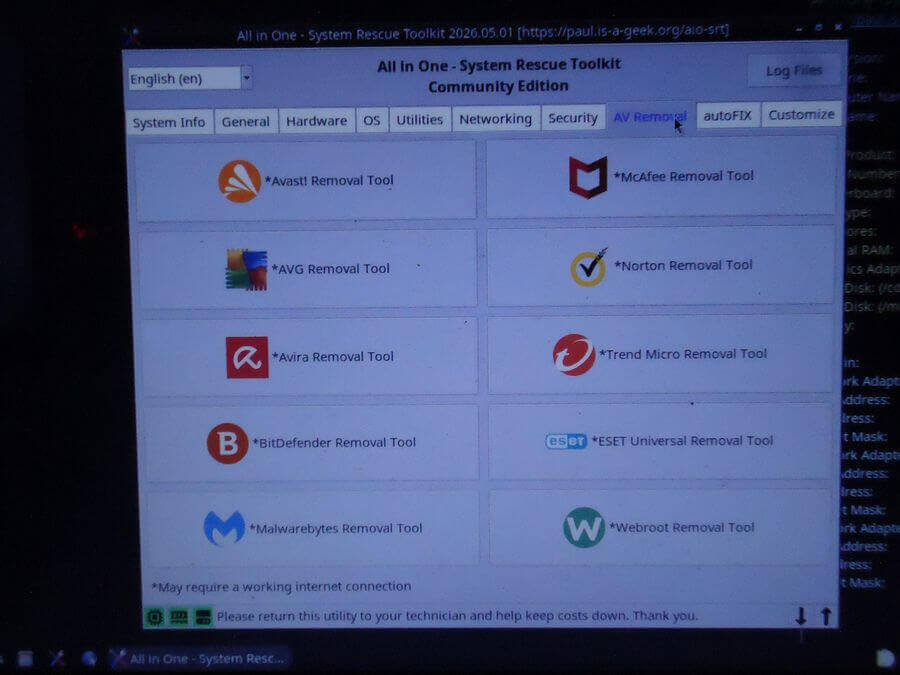
Sometimes the antivirus program itself becomes an issue, and so does removing it.
AutoFIX
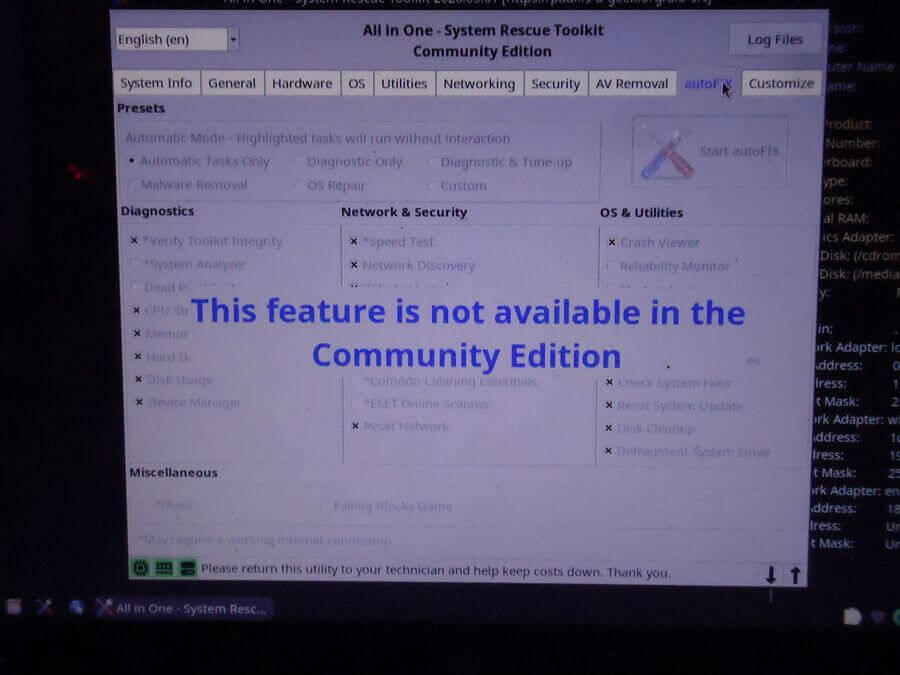
Not available in the free version.
Customize
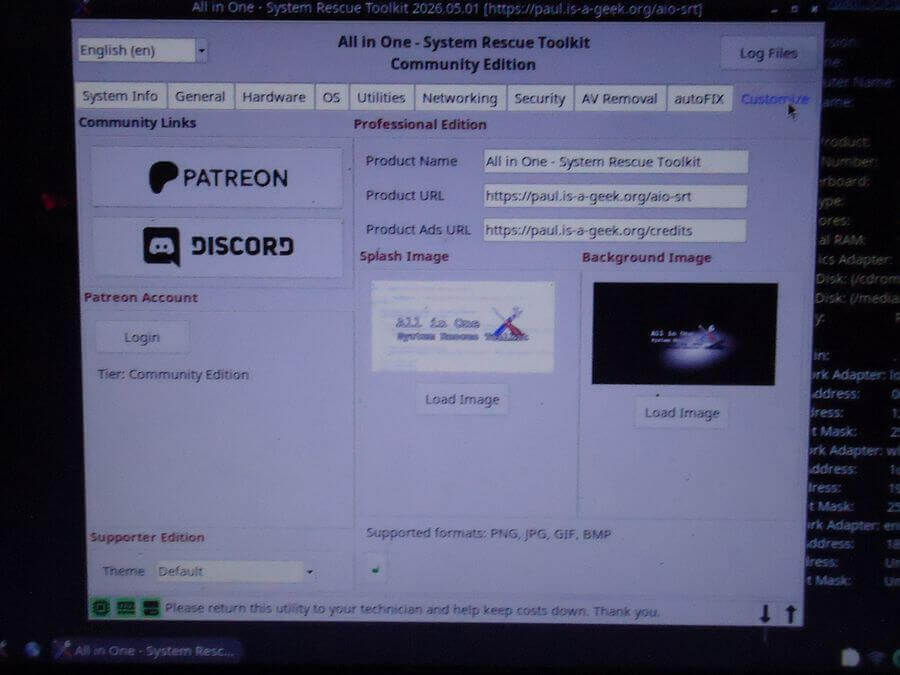
I guess if you want to customize this program with your own logos, go for it.
So that’s basically what’s available.
More detailed instructions and information can be found at the developer’s site.
—

followed all directions but when boot, hangs at Gunby doesn’t go further
Did you try the safe graphics option? The second boot option.