

Beware Of WhatsApp scammers!
Over the last couple of years, friends have had their WhatsApp accounts hacked by scammers who send them a code and then ask the victim to confirm it through their phone. Some have even lost thousands of dollars through similar WhatsApp scams, and for those reasons, I activated two-step verification on WhatsApp on my phone. As I type this, I’m being bombarded by messages giving me a code ‘for my new phone’, which isn’t a new phone anyway. I immediately suspected this to be a scam, and in the last four hours, I’ve received the same message with different codes over half a dozen times.
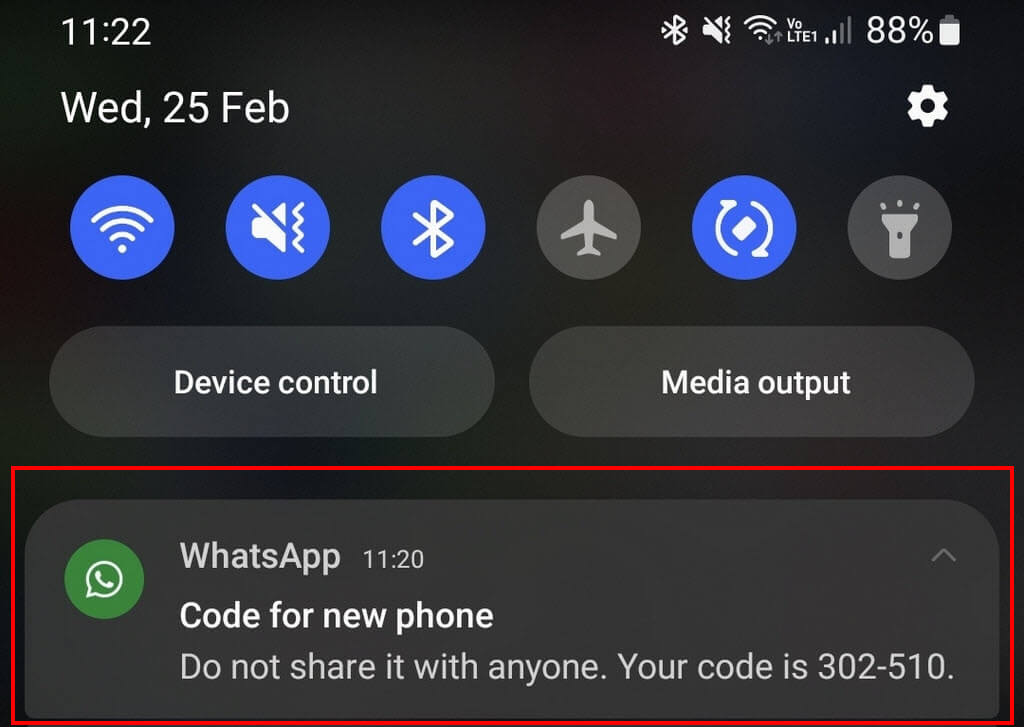
On Android, you can simply swipe right to remove the notification, which is what I did. However, on opening WhatsApp, I was greeted with an extremely official-looking screen inviting me to enter the code into my ‘new phone’.
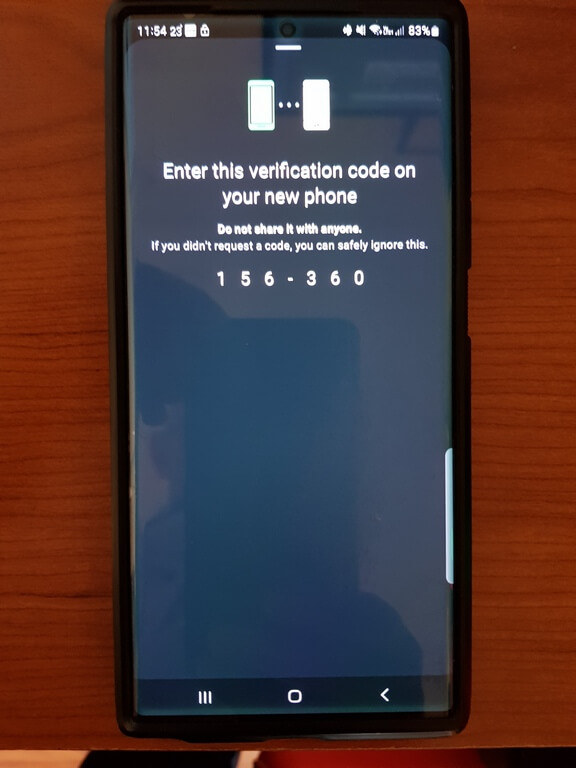
Naturally, I ignored this message as well, tapping the back button, which took me to WhatsApp. It did seem remarkably genuine because I was also unable to take a screenshot for security reasons, so I had to take a photo with a spare phone.
How To Activate WhatsApp Two-Step Verification
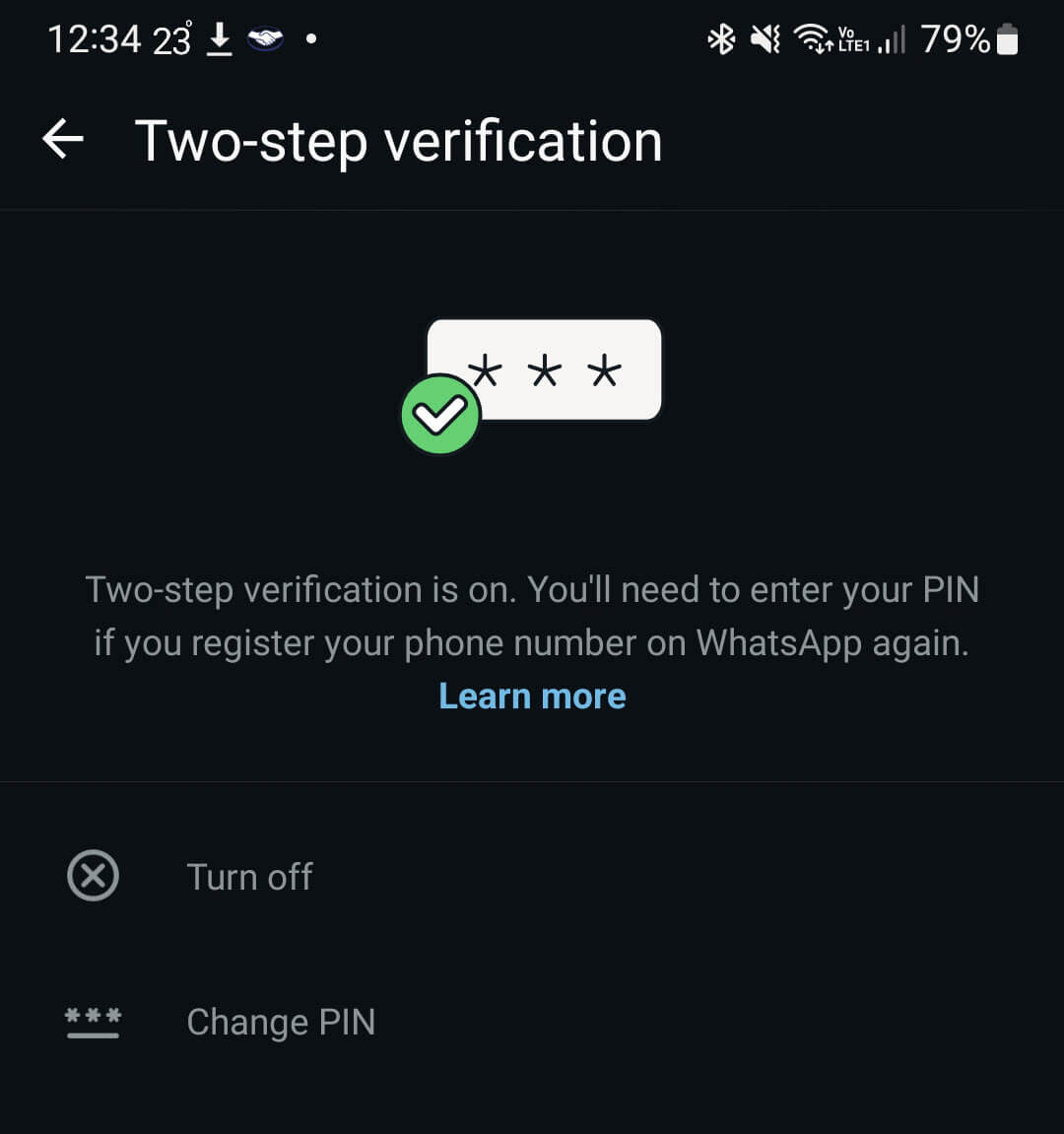
Open WhatsApp, tap the three dots at the top right, tap settings>account>two-step verification, and follow the steps. You’ll be asked to enter a six-digit PIN that is linked to the email address you provided originally and can be used for recovery. Clearly, I don’t know if the PIN is asked for when entering a verification code (as previously mentioned), but I would imagine that it would be obligatory to confirm your identity. Naturally, I did NOT try this course of action, even as an experiment! Here is more information from WhatsApp’s website.
You Should Use Two-Step Verification
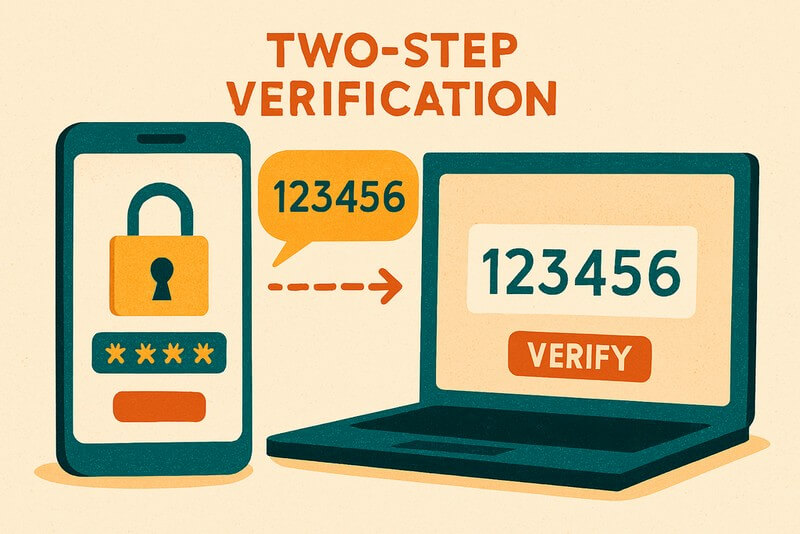
Two-step verification can be a pain, but ultimately can save your bacon. I use it with Microsoft and Google Authenticators for various scenarios, and for banking apps, I use it without fail. One of the most common scams is that, once a WhatsApp account has been hacked, the perpetrator imitates a close friend of the victim, using terms that sound familiar, even though the perpetrator can’t see previous messages (according to WhatsApp). They then gain the victim’s trust and either ask for a temporary loan with some b/s story and/or ask for their bank account details to repay the money later (ha ha ha!). From personal experience, I know of at least three acquaintances to whom this has happened. My first reaction was “How could you be so stupid?!” But these scammers have become incredibly sophisticated at the con-artist game, and again, as I type this, I’ve received the code message a further two times, which also means they’re damn persistent.
Do you use two-step verification? Please leave a comment below.
—

I do not conduct any financial transactions on my cell phone.