
I was watching a YouTube video when it mentioned a website that allows you to watch International TV Stations directly from your browser. You know the drill, had to check it out myself. The website is tv.garden
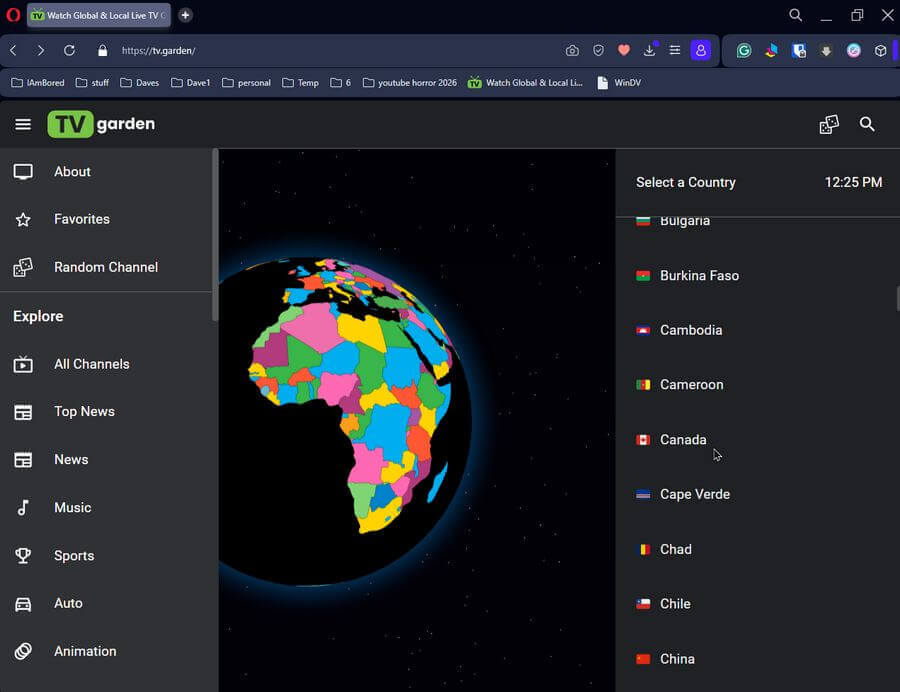
It’s pretty simple to use. Here is their default screen. Click on a country. It takes you to a list of channels. This will vary between countries. Canada has 111 channels listed. Norway has only 3, at the time of this writing.
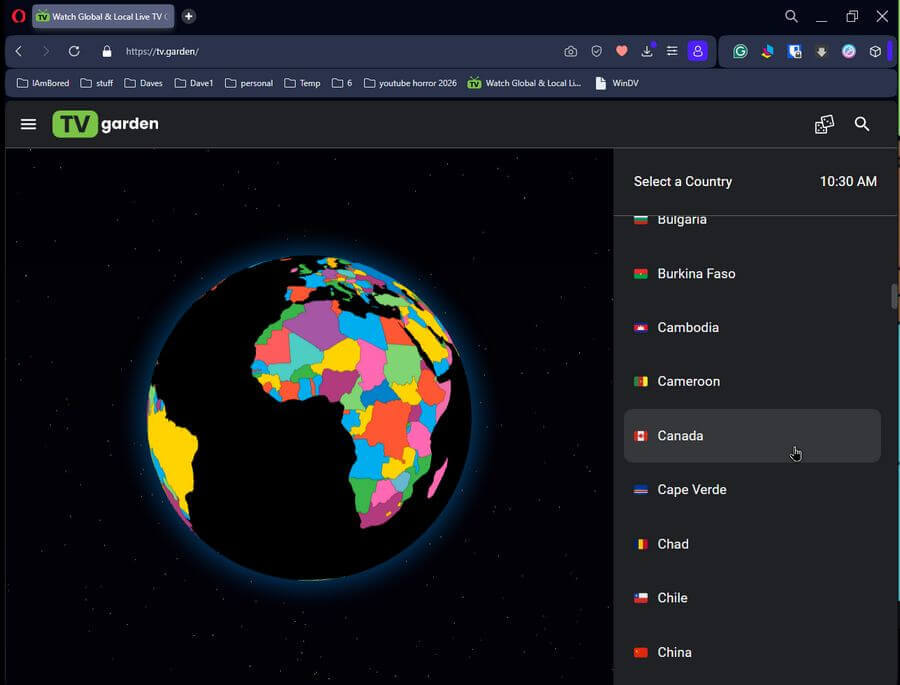
I’m going to use my own country, Canada, to see what I’m missing on cable. 🙂 I click on Canada.
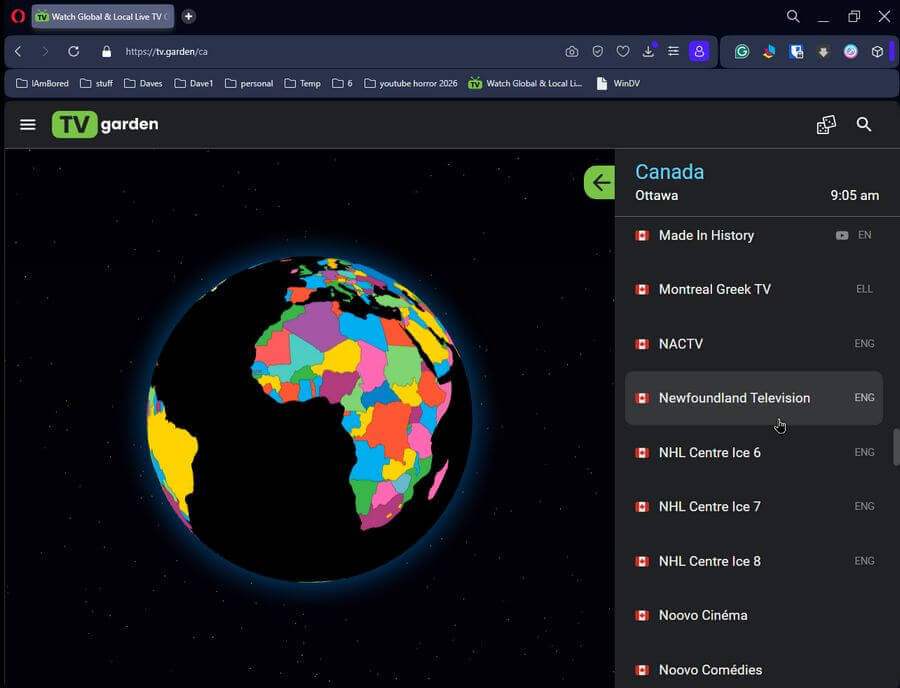
This took me to the Canadian channels available. I found one from my own province of Newfoundland and Labrador, listed as Newfoundland Television, which turned out to be our own local channel called NTV.
After going to the channel on my cable box, I can confirm it is a live broadcast of the actual channel. There is a few seconds of delay on the computer.
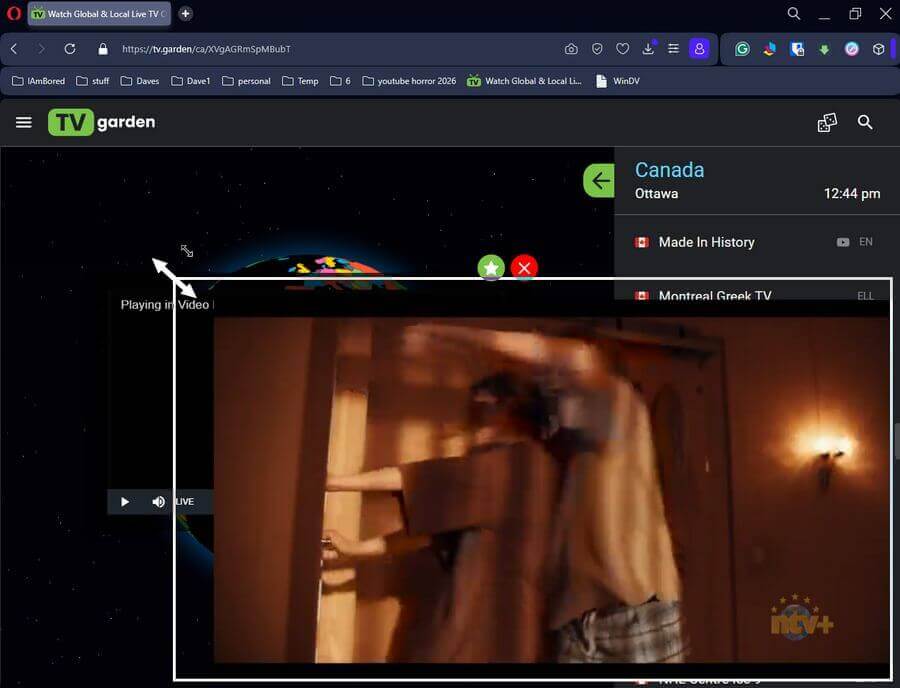
You can return to the main country list by clicking the green arrow icon at the top of the list, next to the word Canada, in this case.

You can stop playback by clicking on the “Red Circle X”. The “Star” next to it is for marking your favourites. It turns green when you mark a channel.
Hovering your mouse cursor over the videos gives you the familiar options like pause, play, sound, full screen, and one called “Picture-in-Picture”. This pops out the video so you can move it anywhere on your system, including another screen if you have a dual setup.
Firefox is open on my second monitor. This is the pop-out on my main monitor, actual size.
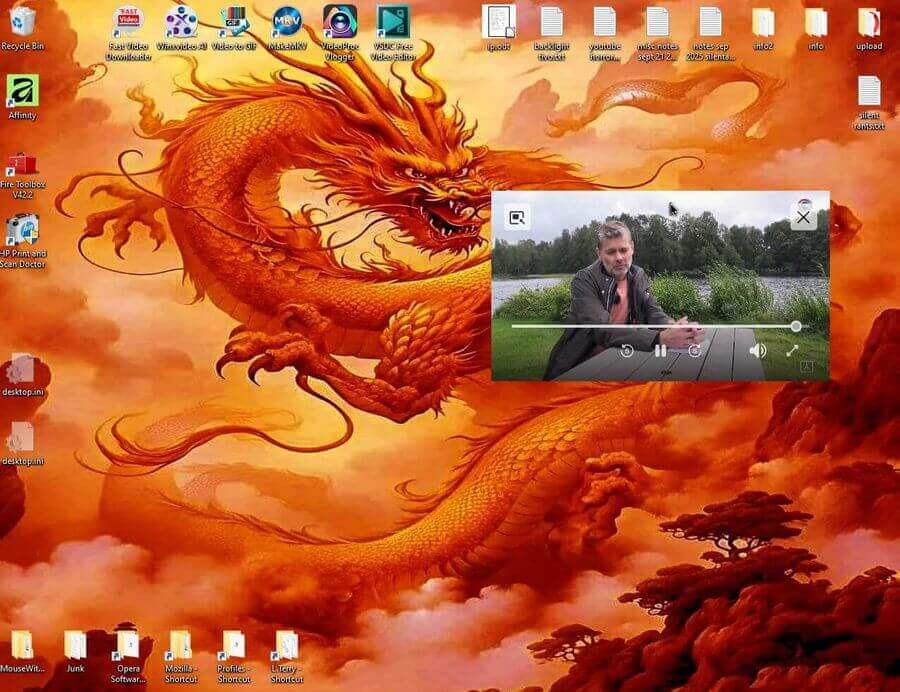
Controls may vary depending on the channel and browser. Some channels have “closed captioning” or “cc”. Some don’t.
The Opera browser has a transparency option, in case you want to make the video hard to watch for some reason.
In Firefox, you can watch the pop-up video full screen by double-clicking on the video. In most other browsers, you have to click on the edge of the video, hold down, and drag out or up to enlarge the video.
Back to the main screen. If you click on the “hamburger menu” or three stacked dashes next to the TV Garden logo, it opens a menu on the left side of the screen. This is where you can access your favourites. You can watch a channel at random or select from one of the categories such as news, music, sports, and more.
So that’s the basics of using this site. Do you watch TV online? If so, list your favourites in the comments.
—

Excellent stuff, Terry!
I just had a look at Afghan TV which was pretty scary…
Thanks Terry (one CDN to another). Downloaded, took a quick tour, bookmarked and something I will use in more depth real soon, Mindblower!
If I’m watching a screen, how do I know the name of the movie or show I’m watching?
Sorry, I don’t know unless you can find an online TV guide for the station you are watching.
Greetings BobG. I wrote to TV Garden when you posted your question and they have NOT replied. From what I have experienced, there are plenty of other selections which do not require a show name or movie title. Like you, I wish this could be resolved, Mindblower!