

For personal reasons, I’m going to make a bootable USB from a Windows 7 CD that I have. I’m going to be using a program called ImgBurn to do this.
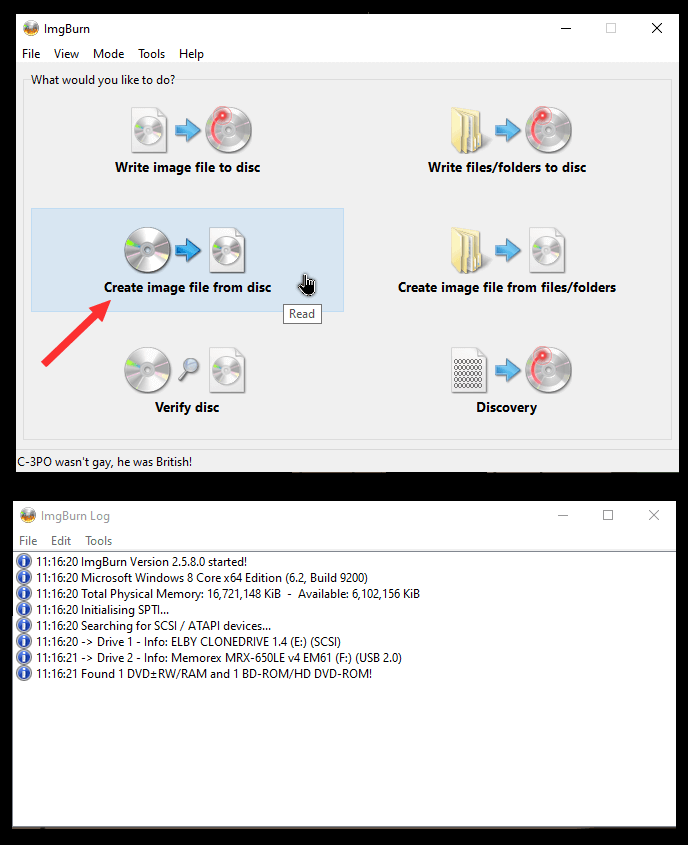
I know. It hasn’t been updated in a while, but it still works. I put in my disc. Then I open up ImgBurn and click on “Create image file from disc”.
Select your source CD/DVD and allow it a minute to prepare. Click on the little yellow folder icon to select where you want to save the file.
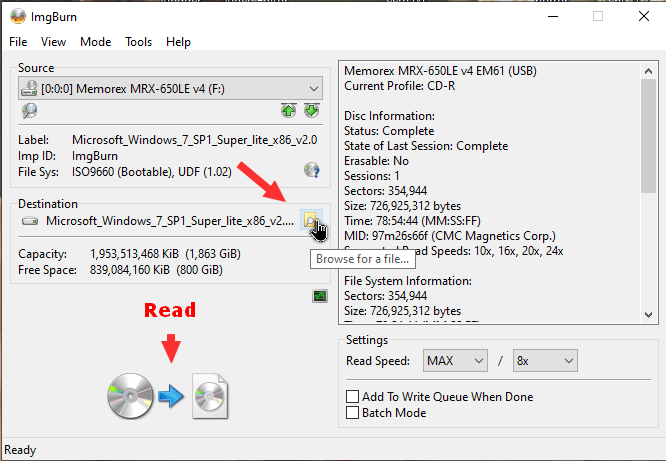
Then click on the “Read” button with the disc icons at the bottom.
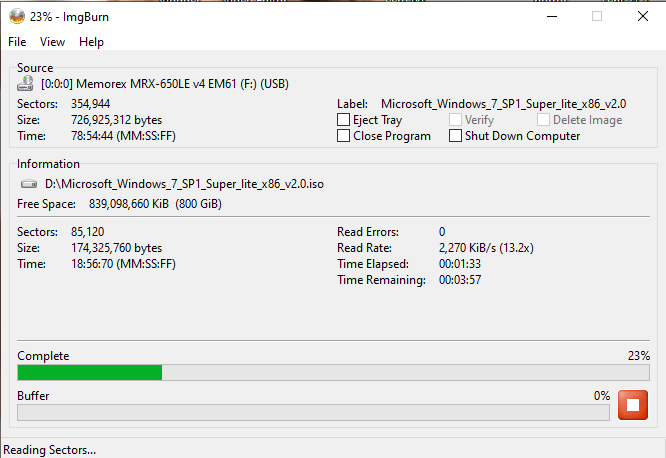
Now, stare at the green progress bar until it’s finished. 🙂
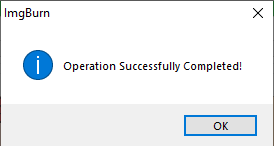
When done, you will get a message that the “Operation Successfully Completed”. Your ISO will be in the folder you selected.
Now, use Rufus to create a bootable USB drive.
Read How To Create a Bootable USB Drive With Rufus
Boot the USB and install the OS of your choice. I can confirm it works.
For more on using ImgBurn, read here.
—

Great article Terry. There must be plenty of users who still use older computers (those which included a CD.DVD).. Those are far betters than the USB external CD/DVD units.
Have only 1 active computer I use to convert CD’s / DVD’s for friends to MP3/MP4.
Am sure those stand alone players are still active, but they do not assist when making an ISO, Mindblower!