
I watched a short YouTube video about an easy way to create a world map if you ever need one. I had to try it.
This works in LibreOffice and Microsoft Wordpad. I believe they used Microsoft Word in the video, which I don’t have. It does not work in OpenOffice or OnlyOffice.
Type the following: 1F5FA
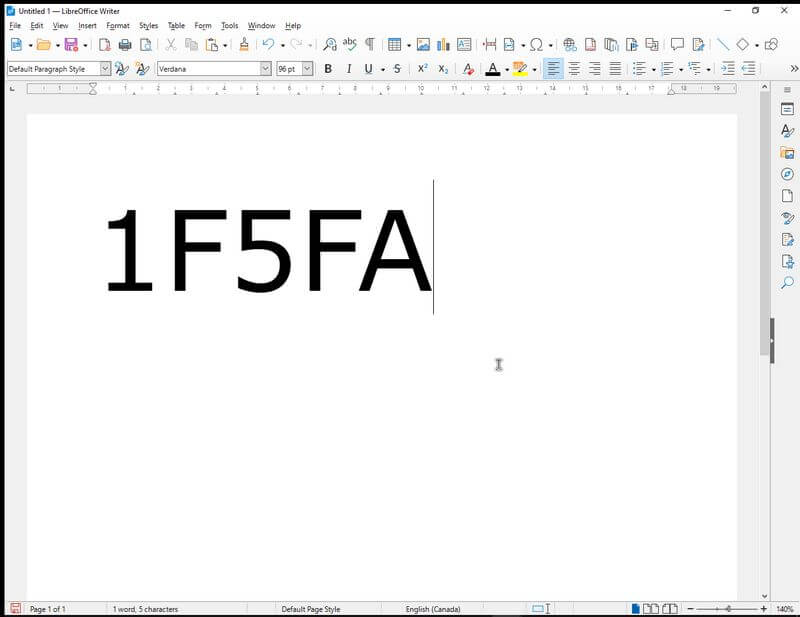
And then on your keyboard, click: Alt + X
The LibreOffice version looks like a folded map.

The Microsoft one looks more like a map of the globe. I like the Microsoft version better.
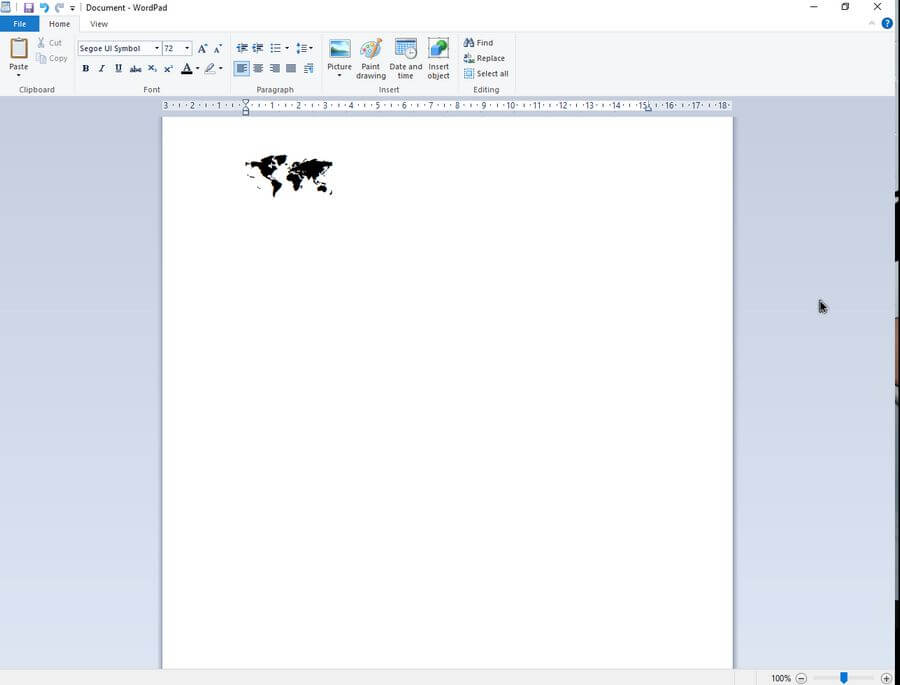
It does not seem to be case sensitive. 1f5fa works as well.
Search for more keyboard shortcuts by clicking here.
—

Nice to see something about LibreOffice, even if it isn’t particularly interesting to me.
I wish someone at Daves Computer Tips would take up supporting LibreOffice. I would think this important software would be one that a lot of readers would have interest in.