

A few weeks ago, my wife couldn’t log in to her Outlook (ex Hotmail) account on Google Chrome and kept receiving the following message:
Please retry with a different device, use a VPN, or other authentication method to sign in. For more details, please see https://go.microsoft.com/fwlink/?linkid=2317517
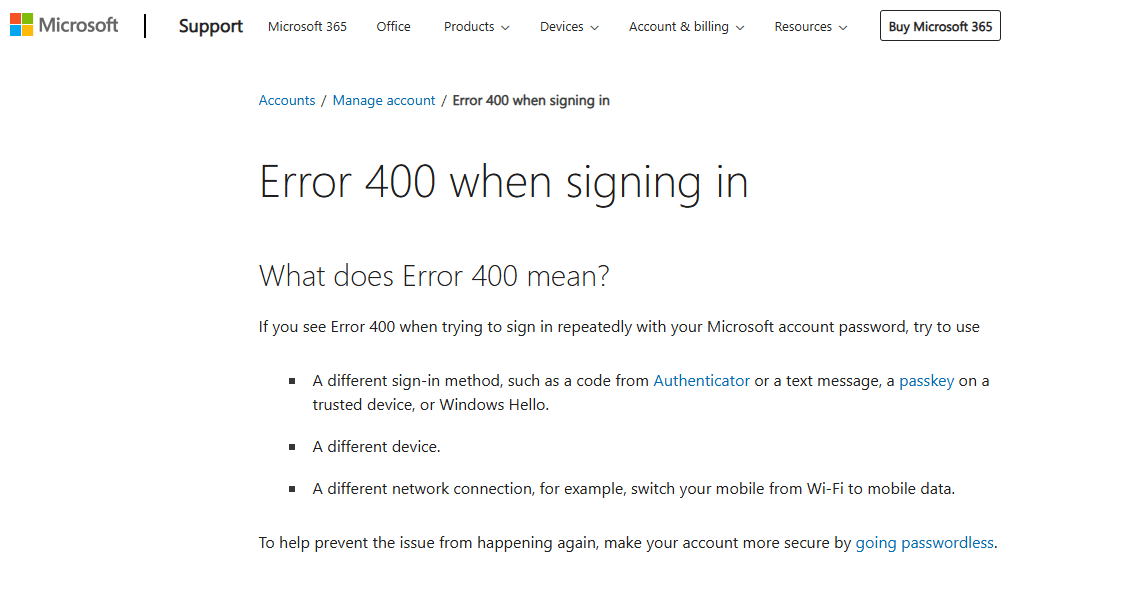
I followed the link, but didn’t find it particularly helpful.
Please Retry With A Different Device…
What surprised me was Microsoft suggesting a VPN when the company repeatedly advises against such tactics, presumably for security reasons. Anyway, after many failed attempts to log in, including changing her password, I used another browser in which I had installed the Surfshark VPN extension, and we managed to log her in. But this was clearly a temporary solution because, frankly, using a VPN to use an email client doesn’t make any sense. This issue also affected her mobile app, and fortunately, I had set up an emergency Gmail address as a backup for receiving one-time codes for password changes.
Anyway, fast forward to today, when I managed to unchain my wife from her desk, I had another go at solving the issue. In fact, she always declines to remain logged in to Outlook for her own reasons, so I went back to the login prompt, typed in her email address, but then hit ‘use another way to login’ or words to that effect (instead of a password), so I chose that option. Since she uses a four-digit PIN for Windows and her entire Microsoft Live account, I used that and managed to log in in a flash. Problem solved!
But this issue plagues many more people who still haven’t been able to solve the problem, so perhaps Microsoft’s weird messages could be a little more helpful? As they are, they are very ambiguous, especially on the VPN front.
—

You solved it becos you had a PIN . I dont have any pin etc. except another e mail address hwich is for recovering pass words etc. I am sufferin for last 2 days . Pl. help
manoj dosi
Manoj
I would try the alternative email address and then, when you do manage to get in, set up a pin and possibly your phone as well. All these will help to recover your account.
I don’t have a pin, but used 2-factor verification and recovery email, however, it’s not even giving me the option to send a recovery or a code or anything on that email. The VPN hasn’t solved the problem either.
Oh my go thank you! This has been bothering me so much lately. My @outlook address is fine, but my @hotmail one kept doing this! Even the official forums didn’t mention simply trying the PIN.
Glad I could help, Laura!
Did not work for us. Really disappointing that MS knows this is an issue and so many people are having problems.
So sick and tired of big tech firms forcing people to use ways so that they can mine metadata in order to target more ads at us or even more nefarious reasons.
I don’t want to use a Microsoft Authenticator, or other mean to track me by my personal information.