

Speaking of Networks: My Struggles Setting Up A Windows 11 Home Network Part One
No shocker. Another network issue. My CyberPC kept asking for the login credentials of my Asus every time I tried to access it. Even when I selected the option to “Remember my credentials”.
The recommended fix online is to add the credentials manually through the “Credential Manager”.
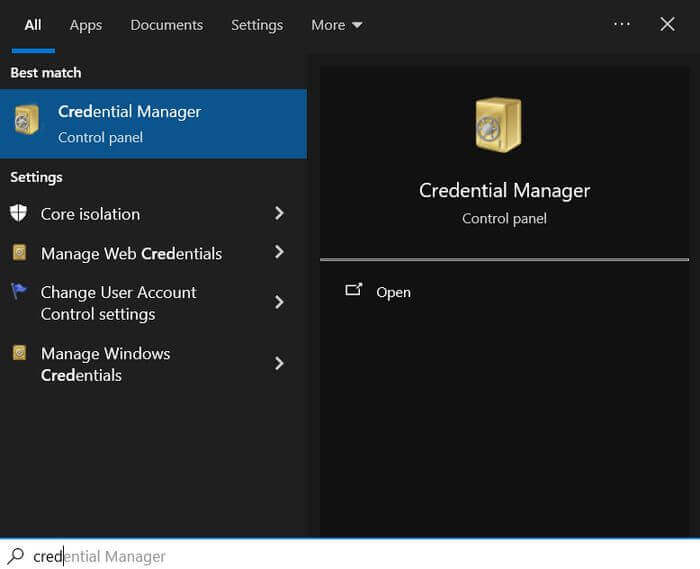
In search, type Credential Manager and select it.
When the manager opens, click on the “Manage Windows Credentials” icon. You should now see a list of your saved credentials.
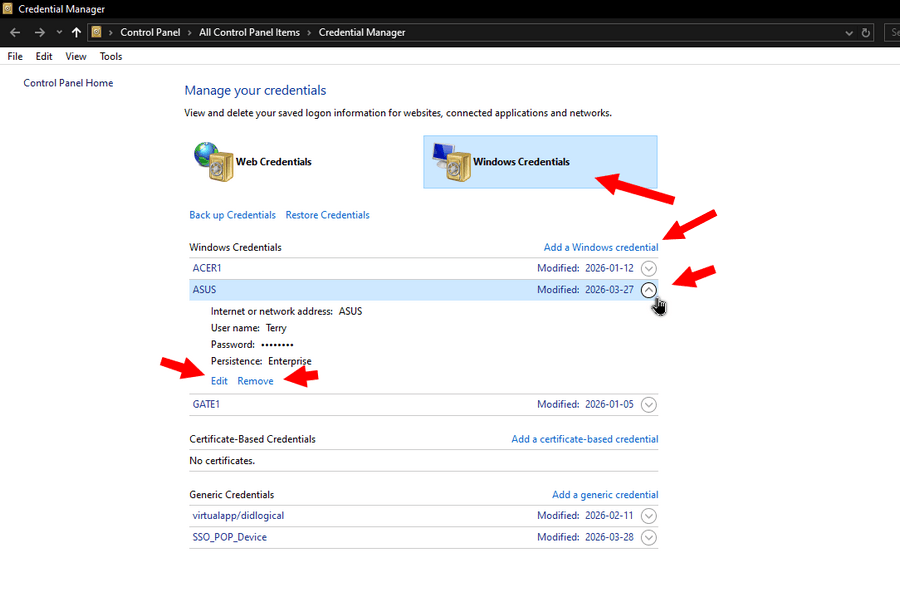
Click on the round button after the “Modified” date of the troublemaker. 🙂 In my case, ASUS.
Now you have a few options:
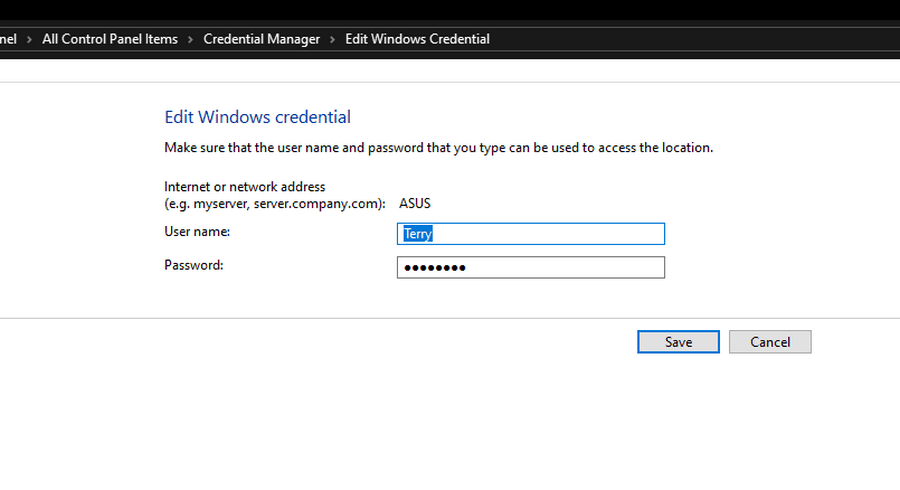
Edit
Clicking Edit opens a new window where you can retype the “User name” and “Password”. Then “Save” it.
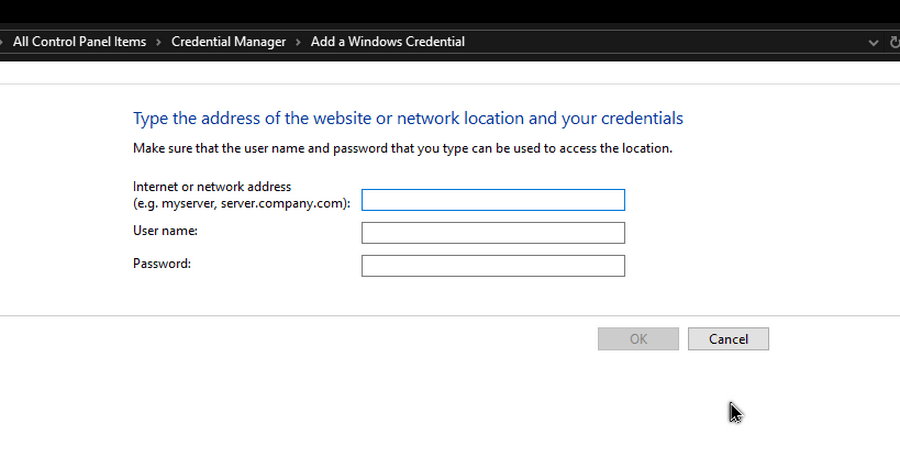
Add a Windows credential
If you want to change the computer name as well, on the main screen, click “Add a Windows credential”.
Remove
Click “Remove” and up pops this warning box: “Are you sure you want to permanently delete this Windows credential?”
Yes or No.
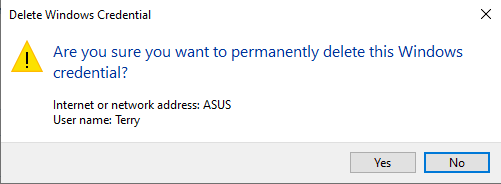
So, editing the information didn’t work for me, so I removed it. I tried to access my Asus, got the prompt, I’m signed in and it seems to be holding.
Just to be sure, I restarted my Asus, waited a few minutes for it to get ready, and then tried to access it from my CyberPC. No Prompts… It worked, for now.
For more Networking Nightmare troubleshooting, click here.
—
