

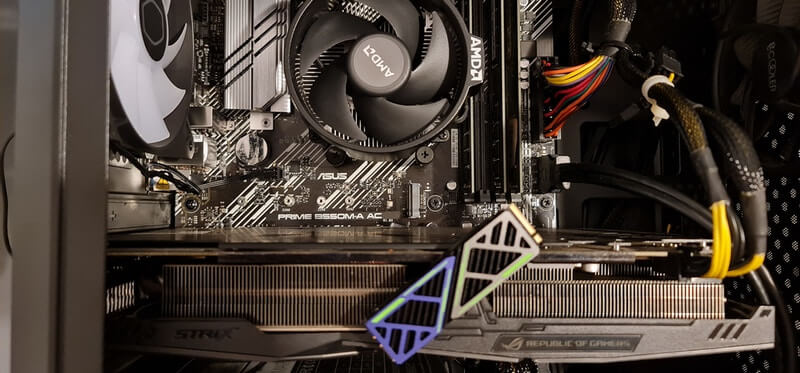
In my recent article Why Thousands Of Gamers Are Leaving Windows For Linux, I said I would install Linux on a spare gaming machine, and I completed the mission over the weekend. I’m fortunate to have plenty of hardware to play with, and since I have three very well-specced PCs, there’s plenty to choose from. However, the objective was not to replace Windows as my primary OS, but simply to experiment with Linux for gaming, which is why I singled out a PC with a Ryzen 5600G/32GB RAM/RX 580 8GB (GPU), which sits idle much of the time. I chose Bazzite, a custom distro based on Fedora Atomic, a desktop operating system designed for gaming, with inspiration from SteamOS, which has fairly low maintenance compared to other desktop Linux operating systems. The main advantage is that Steam simply runs out of the box, with no fiddling about whatsoever.
Preparation
The PC in question already had Windows 11 Pro installed on a 500GB NVMe, along with numerous programs, some paid, so I didn’t want to dual-boot or sacrifice that setup, or even create a system image. Fortunately, I had a spare 256GB NVMe in an SSD enclosure, which I’d been using as a handy and very fast pen-drive.
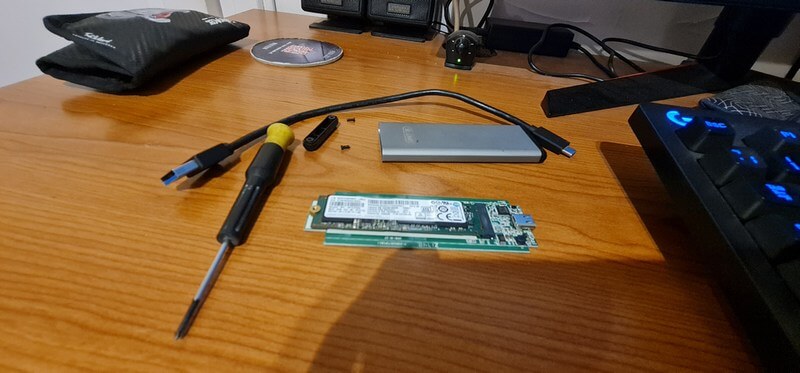
Prior to removing the drive from the enclosure, I used DiskPart to clean the drive and initialised it with GPT, but did not format it. I then removed the Windows NVMe from the target PC and fitted the drive to be used for Linux.
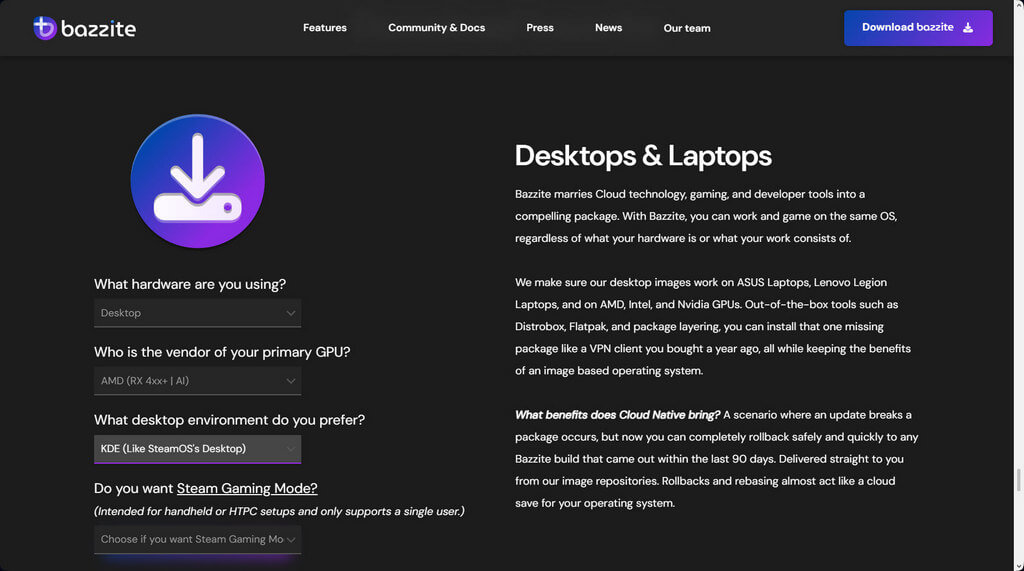
On the Bazzite website, you can select the kind of use you will be putting the OS to, so I chose desktop as per the image below:
After downloading the ISO image, I prepared a pen-drive through Rufus (UEFI not CSM), popped it into the target PC, changed the boot option to USB pen-drive, and watched as Linux began its thing. For some reason, it booted to a live version of Bazzite, so I hit install to hard drive.
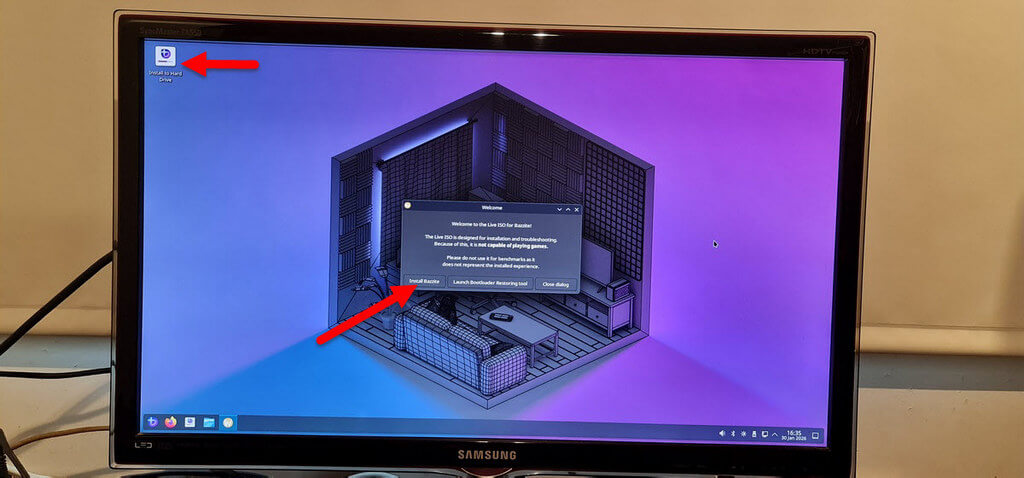
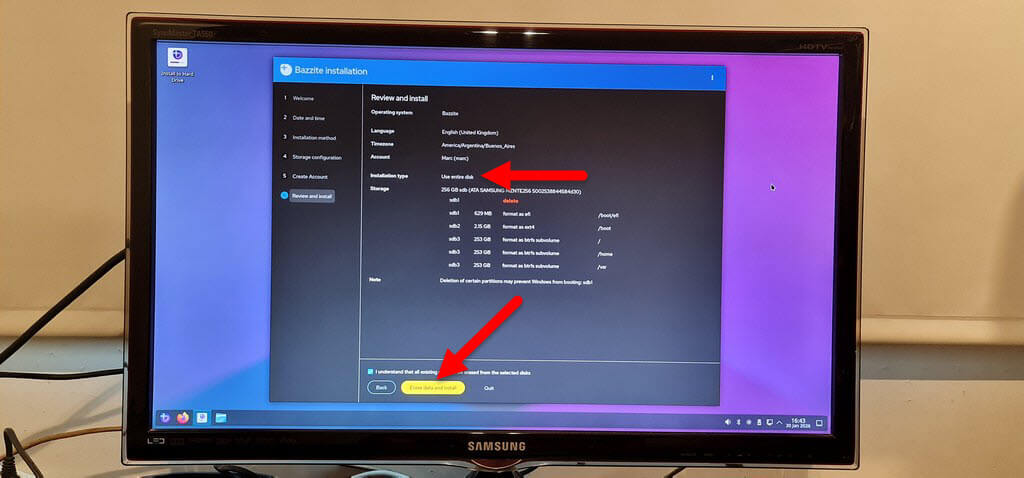
I was then given the choice of where and how to install, and since the disk held no data, I chose to use the entire disk, agreeing to erase everything.
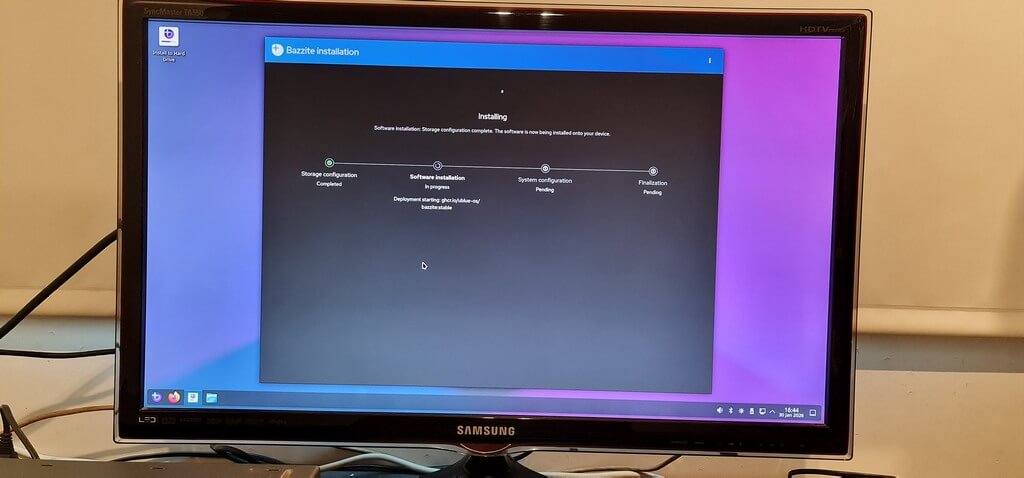
The installation took much longer than I expected, bearing in mind that I’m used to Windows installing on an NVMe in less than ten minutes. This took nearly half an hour!
Naturally, I had to set up a local account and password prior to installation, and once the exercise was completed, a very Windows-like desktop appeared, so the first thing I looked for was Steam, which I logged into using the mobile QR code. After all, this experiment would be a purely gaming one.
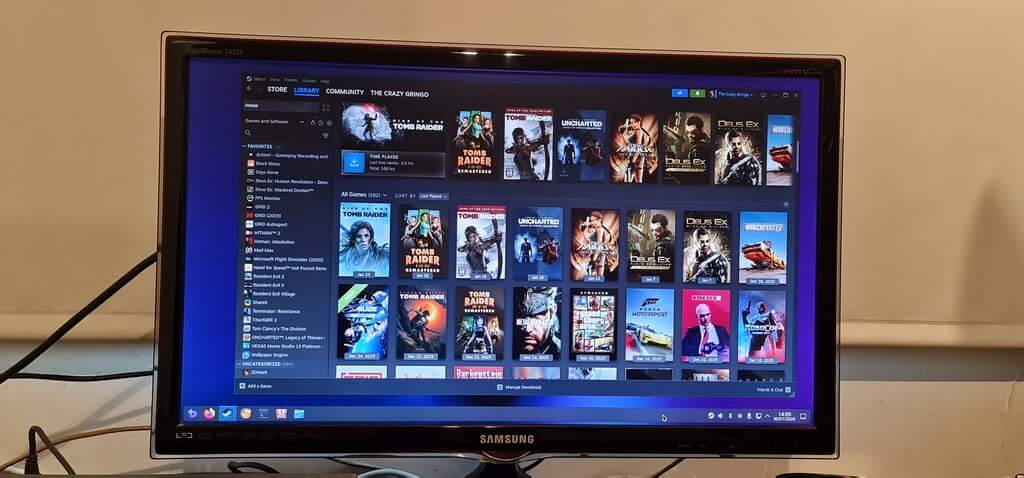
I then fired up Rise of the Tomb Raider (2015), which even today is fairly demanding graphically, and it ran perfectly. I also played some of the Tomb Raider Remastered games with no hint whatsoever that the games were running through Linux instead of Windows. I don’t really do benchmarks because they can be nauseatingly boring most of the time, so if a game runs nice and smooth, that’s good enough for me.
Conclusion
I still have Bazzite set up on the PC and will experiment with other games and programs to get a feel for Linux performance. What has been made clear to me is that Linux is a clean, bloat-free OS without the garbage that Windows is currently throwing at us, and for gaming, not just on Steam, I might add, it’s a clear winner. Bazzite has made the experience that much easier for those who either want to ditch Windows or dual-boot. For my part, I’ll be sticking to Windows, warts and all, because old habits die hard.
—

That looks like KDE Plasma !! I have read about Bazzite, but it will not run on my hardware!! I do have Gentoo, running Wine, and have it playing the games I have, and is doing well!!
I am currently installing Gentoo on one of my laptops, W11 is just going to AI for my liking !!!